

GitHub Copilot in Slack and Teams became generally available on November 6, 2026. GitHub’s November 6 announcement confirms that @GitHub can initiate repository investigation, issues and proposed pull requests from chat. These GitHub Copilot integrations simplify the handoff without granting permission to approve or merge code.
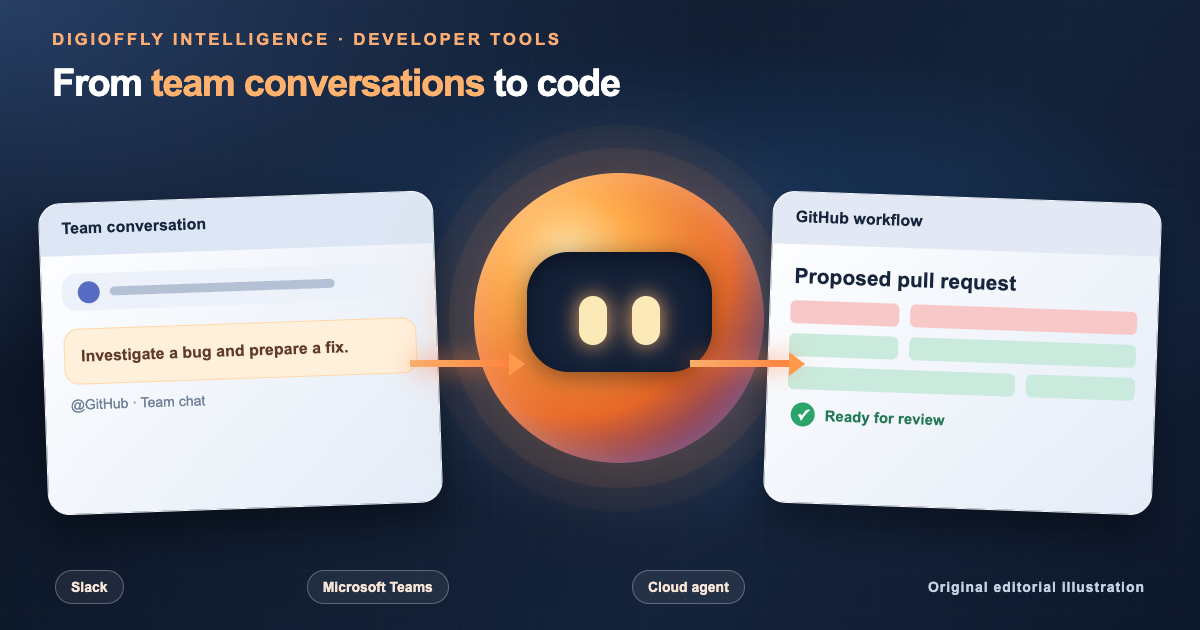
A conversation can initiate the coding workflow
A developer can hand the request to the coding agent, then inspect its output in GitHub. The primary benefit is a clearer handoff from discussion to review, while engineering checks remain in place.
What Happened
GitHub said the @GitHub integration in Slack and Microsoft Teams is generally available on November 6, 2026. Developers can ask the cloud agent to investigate a bug, propose changes and link an issue or pull request to the original chat. The originating chat context helps reviewers understand the request, while repository checks still apply. The release also improves onboarding, follow-up responses and attribution.
GitHub first tested this handoff in September. Its September 25 preview update gave the agent more conversation context and control. The November release removes the preview label and adds richer in-chat review tools in Microsoft Teams.
Who Is Affected & When
For teams evaluating a GitHub Copilot integration, GitHub’s Slack guide and Teams guide confirm access requires eligible paid Copilot plans. Organizations may disable cloud-agent sessions and must approve app installation and account linking. Slack or Teams licensing may cost extra. For GitHub Copilot for enterprise deployments, assess GitHub Copilot enterprise features, eligibility and repository policies separately.
GitHub controls repository access, not the chat room. A user needs write permission in every selected repository; joining a conversation grants no extra privileges. Administrators should restrict supported repositories and who may initiate sessions.
What Changes in Practice
From a bug report to a proposed pull request
A Slack support report can become a development task when an authorized contributor mentions @GitHub and selects a repository. The Copilot coding agent can inspect the code, use thread context, draft an issue and prepare a patch in its cloud sandbox. Teammates then review the proposed pull request.
An incident thread may contain reproduction steps and a failed CI run; retaining those details gives reviewers context. Using Copilot from Slack could reduce handoff friction, but GitHub has not published independently verified time-savings data for this release. Teams should measure results themselves.
GitHub Copilot Teams Canvas: review plans and code in chat
GitHub Copilot in Microsoft Teams includes Canvas for viewing plans, code changes and previews alongside a conversation. GitHub says participants see only authorized information. Canvas does not grant new repository access or override merge requirements.
Canvas makes agent work easier to follow, but an in-chat preview is not a finished code review. GitHub Copilot Teams repository permissions still determine who can steer a session. Significant patches call for tests, a careful diff review and established approvals in GitHub.
Faster GitHub Copilot Slack setup, clearer attribution and follow-ups
GitHub says @GitHub can infer a repository from clear messages, reducing repeated selection. In multi-repository teams, explicit names still prevent mistakes. The release improves handling of missing default repositories, sign-in and app access, and unreliable follow-up replies. Issues and pull requests now reference the originating conversation and username.
For teams maintaining several codebases, the useful test is whether a proposed patch can be traced back to the discussion that prompted it. Better attribution matters more than simply generating another ticket.
GitHub Copilot Slack vs Teams: Workflow Comparison
| Question | Slack | Microsoft Teams |
|---|---|---|
| Where do sessions start? | Direct messages, threads and channels with @GitHub | Chats, channels and replies to GitHub notifications with @GitHub |
| Core agent work | Investigate issues, plan changes and draft pull requests | Use channel context to analyze issues, plan implementation and prepare code for review |
| Collaboration view | Slack Code can give a session its own code channel and review context | Canvas provides an in-conversation view of plans, changes and previews |
| Access prerequisite | Paid Copilot plan, GitHub app connection and repository write permissions | Paid Copilot plan, GitHub app connection and repository write permissions |
| What remains manual? | Inspect the proposed pull request in GitHub and verify relevant CI checks | Use Teams Canvas for initial review, then complete required repository approvals in GitHub |
The table is based on GitHub’s published documentation as of November 8, 2026. Some workspace settings, enterprise policies and capabilities vary by account. GitHub’s launch announcement is not a substitute for independent testing of both platforms.
GitHub Copilot Slack and Teams Setup: How to Get Started Safely
- Confirm entitlement: check whether the participating GitHub account has an eligible paid Copilot plan and whether your organization enables cloud-agent work.
- Install or update the app: use the official GitHub integration for the relevant Slack workspace or Teams environment, subject to administrator approval.
- Link accounts: authenticate GitHub when prompted, then set a default repository for a channel where appropriate or name the repository in the request.
- Start with a limited task: ask
@GitHubto investigate a reproducible bug or draft a small change. Explicitly specify the repository, branch and acceptance criteria when uncertain. - Review and verify: inspect the resulting issue and pull request, run tests, check permissions and merge only after the established approval process.
To connect GitHub to Slack, GitHub Copilot Slack integration setup requires an approved app, linked account and @GitHub mention. GitHub Copilot Teams integration setup uses similar steps with Teams-specific channel settings. Never share secrets or customer credentials in chat.
Security, Privacy and Repository Permissions
GitHub Copilot Slack security goes beyond repository access: a GitHub Copilot security review must consider chat data. GitHub warns that the entire relevant conversation thread may enter a cloud-agent session and persist in its artifacts. Direct messages can limit context, but secrets and sensitive customer information still do not belong in prompts.
According to GitHub’s Teams documentation, direct messages use linked user permissions, while shared channels create artifacts under an app identity. These are real GitHub Copilot security concerns. App-authored pull requests may require additional approval under existing repository rules. Administrators should check cloud policies, retention and app permissions. Required repository checks still apply.
GitHub Copilot data privacy matters independently of code correctness: teams need to know which parts of a conversation can be carried into an issue or proposed pull request. Sandboxed execution does not resolve that visibility decision or prove that changes are safe in sensitive code such as authentication or payments.
Why It Matters
The Slack GitHub integration may help teams keep incident reports, reproduction steps and a proposed code diff connected across support and engineering. Small maintenance changes offer a safer pilot than production-critical work.
Chat-driven tasks create governance risks: an unintended mention may expose more history or target the wrong repository. Measure repository-selection errors, lost context and changes that pass checks—not just the number of generated pull requests.
Our Take
The November 6 announcement is about where coding work starts, not evidence that the model has become more accurate. GitHub Copilot in Slack and Teams aims to keep a bug report connected to its issue and proposed patch. Slack Code and Teams Canvas provide different surfaces for following that handoff.
Existing Copilot customers could measure time from an incident discussion to the first reviewable pull request. Others should weigh licensing, permissions and governance. Our assessment draws on GitHub’s documentation rather than a live Slack or Teams test; performance and security were not independently verified. Read our GitHub Copilot review before purchasing.
GitHub Copilot Slack and Teams FAQ
Is GitHub Copilot available in Slack and Teams now, and do paid plans apply?
Yes. GitHub announced general availability of @GitHub in Slack and Microsoft Teams on November 6, 2026. The cloud-agent integrations require an eligible paid Copilot plan plus the relevant GitHub app, linked account and repository permissions.
Can GitHub Copilot create pull requests from Slack or Teams?
Yes. An authorized user can ask the agent to investigate an issue and prepare a GitHub pull request from a chat. Reviewers still need to check the diff, tests and required approvals before merging.
Who can use GitHub Copilot in a Teams channel or Slack thread?
Only contributors with the required write access can start or steer a cloud-agent session in the selected repositories. Other chat participants can provide context, but they do not gain new GitHub repository permissions.
Is GitHub Copilot secure when Slack and Teams conversation context is saved?
GitHub documents that a relevant thread can be captured as context for a cloud-agent session and stored in the resulting artifacts. A direct message can limit the context, but teams should keep credentials and personal information out of requests.
Official Sources & Dates
Release verified against GitHub’s announcement dated November 6, 2026. GitHub Copilot cloud-agent integration documentation was checked November 8, 2026. This is a source-based editorial report, not a hands-on product test.
- GitHub Changelog — General availability in Slack and Teams (November 6, 2026)
- GitHub Docs — Integrating Copilot cloud agent with Slack
- GitHub Docs — Integrating Copilot cloud agent with Teams
- GitHub Changelog — Previous Slack and Teams improvements (September 25, 2026)
Editorial disclosure: This DigiOffly Intelligence report relies on GitHub’s dated release notes and official documentation. The author did not perform a live GitHub Copilot, Slack or Microsoft Teams session for this article. Availability and subscriptions can change; verify official product documentation before deployment or purchase.