

November 22, 2026. AWS has introduced a Meta Ads AI connector for AWS Quick that lets marketers work with Facebook and Instagram advertising through natural-language requests. Announced on November 21, the integration connects Quick to Meta’s advertising Model Context Protocol (MCP) server. Users can examine campaign performance, create or edit campaigns, and combine advertising results with other business data—without rebuilding every report by hand. AWS says write actions require the user’s permission.
From campaign data to a reviewed action
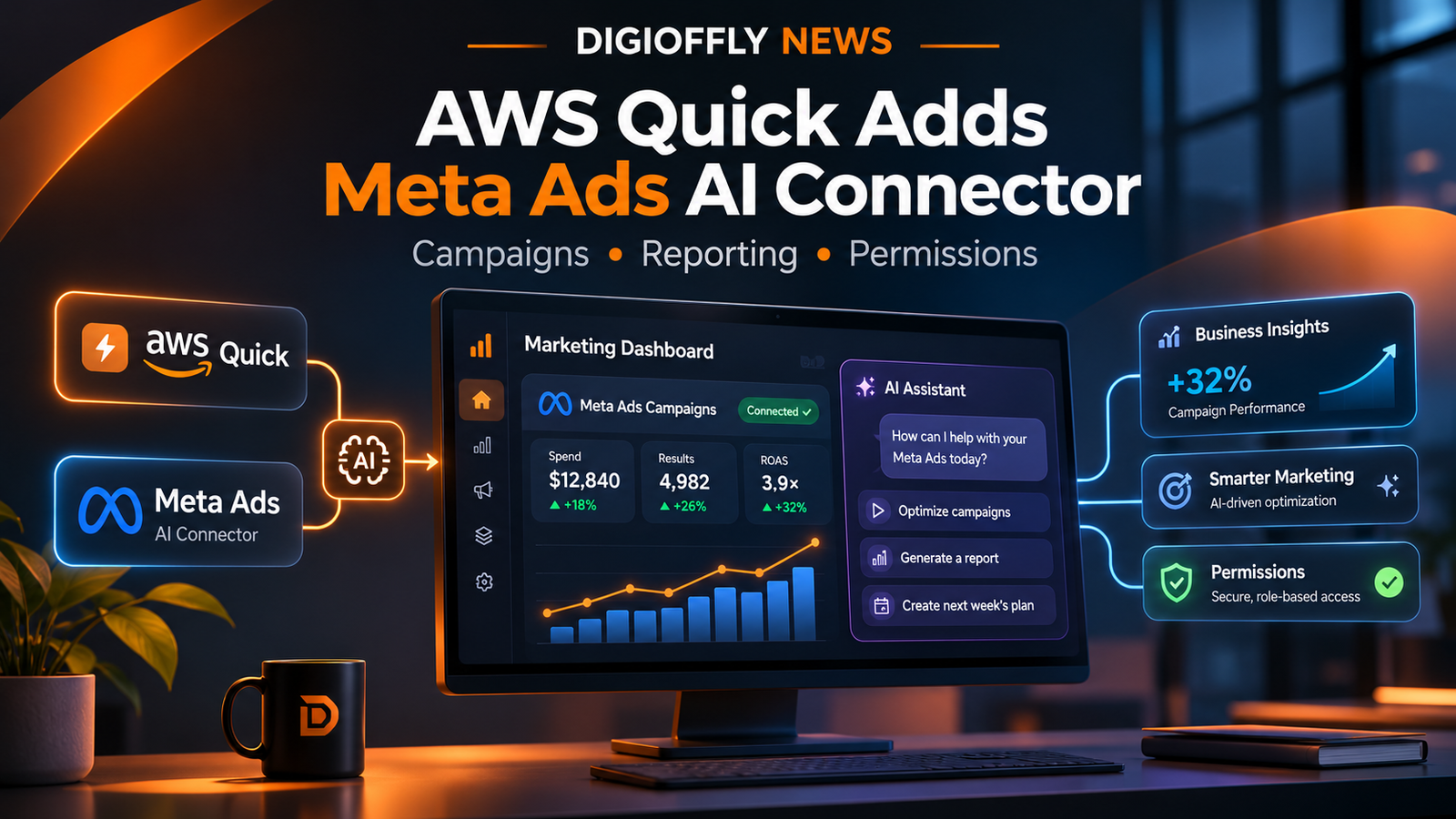
Meta Ads accounts connect to AWS Quick through the new MCP connector. This visual summarizes the possible workflow; it does not depict a live AWS Quick interface or an automated change to any advertiser’s account.
What Happened
The official AWS Machine Learning Blog announcement, published November 21, 2026 by Chris Geiger and Mark Botto, describes a new Meta Ads AI connector inside AWS Quick. The product is an AI workspace for research, business tasks, and workflows. By connecting Meta’s ads MCP server, it can interpret requests about the advertiser’s own campaigns and use the connected tools to work with that account.
This is a narrower—and more useful—claim than saying AWS has released a replacement for Meta Ads Manager. The AWS Quick Meta Ads connector acts as an additional interface to the advertising system. The original Meta account and its permissions still matter, and there is no announcement that existing Ads Manager controls have disappeared. AWS separately announced a wider Quick update on November 20, including improved flows, an updated web workspace, and multi-agent collaboration. The detailed Meta Ads walkthrough followed one day later.
Official sources: AWS Meta Ads connector announcement, November 21 and AWS Quick product update, November 20.
Who Is Affected & When
The announcement is for marketers and organizations that already have access to AWS Quick and their own Meta business advertising accounts. The connector was introduced on November 21, and the new workflow is relevant to in-house marketing teams, agencies and retailers with permission to manage specific accounts—not random Facebook users without advertiser access.
What the Meta Ads AI connector can do
At its core, AWS Quick advertising automation replaces some multi-screen navigation with questions and requested actions expressed in ordinary language. A marketing team can ask about campaign results, explore differences across ad sets, prepare reporting, or request a change. Which action can actually run depends on the tools and permissions available through its connected Meta business account.
| Task | What AWS describes | Practical boundary |
|---|---|---|
| Campaign analysis | Ask questions about Meta advertising performance in natural language | Limited to connected and permitted account data |
| Campaign operations | Create new campaigns and request supported edits to existing campaigns | Permission requested for write actions |
| Product catalogs | Request creation of product catalogs with AI assistance | Review catalog contents and account access before acting |
| Cross-source reporting | Combine advertising data with first-party and third-party information | Only if the relevant other data is connected and authorized |
| Deliverables | Build dashboards, documents, slide decks and workflows | Outputs still require normal business validation |
What Changes in Practice
Connecting a Meta business account
AWS’s demo shows the AWS Quick Meta Ads connector setup in the product’s Customize → Connectors area. Users then sign in with Facebook and select the Pages, Businesses, and Instagram accounts that the connection may access. AWS lists two prerequisites: access to Quick and a Meta business account with permission to use the desired ad accounts.
- Open AWS Quick and locate the connectors area.
- Choose the Meta ads connector and begin the Facebook sign-in flow.
- Review which Pages, Businesses, Instagram accounts and advertising permissions are requested.
- Authorize only the accounts your team is meant to manage.
- Start with a read-only question about campaign performance before testing a change that writes to the account.
The most important part of connecting Meta Ads to AWS Quick is not the sign-in button. It is understanding who owns the advertising account, who can approve edits, and which additional business datasets are available to the assistant. A connector with narrow access is usually easier to govern than a broad integration that can change every campaign.
Permissions, approvals and marketing controls
Because the product can affect real advertising budgets, the security boundary matters. AWS’s November 20 announcement says Quick asks users for permission before it creates a campaign, changes a budget, or performs another write action. It also says connector access respects existing permissions and that administrators decide which connectors teams can add. That is a meaningful safeguard, although it should not be mistaken for a guarantee against every incorrect recommendation or reporting error.
Before connecting a Facebook ad account to AWS Quick, review business ownership, user access, authorization scope, approval policy, and a record of any changes made. Marketers can pilot Meta Ads campaigns with natural language first by asking for summaries and comparisons. Teams can then evaluate whether write actions belong in their production workflow after a human has reviewed targeting, creative, spending limits, and compliance rules.
For agencies managing several brands, it is important to avoid mixing information between clients. Each connection should reflect approved account access. AWS Quick is not described as bypassing Meta’s existing policies, ad review process, or account-level restrictions.
Why It Matters
Why MCP matters for AI campaign management
AWS Quick relies on a Meta ads MCP server, an interface exposing advertising operations to compatible AI software. MCP is useful here because the assistant is not limited to summarizing screenshots or copying CSV files: it can call supported tools against an authorized connected service. In this workflow, the assistant interprets the request, the connector supplies the relevant operations, and the advertiser controls its permissions.
That makes this a notable development in AI campaign management, but not proof that autonomous agents can optimize every campaign better than a human. AI assistance still depends on reliable conversion measurement, credible attribution, clean product data, and clear constraints. Badly labeled conversions or incomplete sales records can undermine the quality of a polished AI-generated dashboard.
Reporting and workflows: where marketers may save time
AWS Quick ad campaign reporting is the practical angle for smaller marketing departments and agencies. Quick can pull data from Meta’s advertising environment and combine it with other sources in the workspace. AWS names dashboards, documents, slide decks, and automated workflows as possible outputs. Analysts can therefore spend less time transferring numbers between tools and more time interpreting why performance changed. The aim is to review Meta Ads performance against business outcomes rather than disconnected platform metrics. A Meta Ads dashboard with first party data is one possible use case when that first-party dataset is connected and authorized.
| Before the connector | Potential workflow with Quick |
|---|---|
| Download ad reports and merge spreadsheets | Ask Quick to compare permitted advertising and business data |
| Write a weekly campaign summary manually | Generate an initial briefing or dashboard for review |
| Switch back to Ads Manager to change settings | Request a supported change inside Quick, subject to approval |
| Share results in separate slides and docs | Prepare documents and presentations in the same workspace |
These are workflow possibilities rather than measured productivity gains. AWS has not published a controlled benchmark in this announcement establishing how many hours typical teams save, or whether campaign return on ad spend improves. DigiOffly would not assign a numerical time-saving claim without independent evidence.
Pricing and availability
The November 21 announcement invites eligible users to try Quick without an additional cost for three months and to invite as many as ten teammates during that initial promotional period. The public AWS Quick pricing page also lists subscription tiers and enterprise options. These are not interchangeable promises: trial eligibility, seats, current plan limits, renewal pricing, agent usage, and connector access should be checked against the offer displayed to your specific account.
When considering AWS Quick Meta Ads pricing, do not assume that Meta advertising spend is included in Quick’s subscription or that every advanced capability is permanently free. Advertising spend is a separate business expense, and AWS’s connector announcement does not specify a universal all-inclusive cost for operating campaigns.
Our Take
The strongest part of this announcement is the ability to manage Meta Ads from AWS Quick while bringing business data into the same conversation. For a performance marketer, that means quicker transitions from questions to proposed actions. For a founder, it offers a simpler way to ask what campaigns are doing without navigating several dashboards. For an agency, it suggests a path toward repeatable reporting—provided account boundaries stay clear.
Our caution is equally important: an AI interface does not fix weak tracking, poor creative, or insufficient approvals. The best first experiment is a read-only use case with a campaign whose numbers are already understood. Compare Quick’s answer with Ads Manager, inspect the data source, then decide whether to permit carefully scoped changes. AWS Quick AI advertising workflows can reduce manual steps, but people remain responsible for the accuracy and consequences of advertising decisions.
FAQ
What is the AWS Quick Meta Ads connector?
It is a new integration, announced on November 21, 2026, that connects AWS Quick to Meta’s ads MCP tools. Authorized users can ask about campaigns and request supported campaign actions in natural language.
Can AWS Quick change Meta ad budgets automatically?
AWS says Quick requests permission before write actions, including campaign creation and budget changes. Teams should still enforce account permissions and review spending decisions.
Do I need a Facebook business account to connect it?
AWS lists access to Quick and a Meta business account with access to the relevant advertising accounts as prerequisites. The demo uses Facebook sign-in and account selection.
Is the Meta Ads connector free?
AWS did not specify a standalone universal connector price in this announcement. It advertised a three-month Quick trial for eligible users. Plan costs, access, usage limits and Meta advertising spend are separate considerations; check current AWS terms.
Official Sources & Dates
- AWS: Meta ads is now available in AWS Quick — November 21, 2026
- AWS: New in AWS Quick — November 20, 2026
- AWS Quick connector documentation
- AWS Quick pricing and plans
Editorial note: AWS published the Meta Ads connector announcement on November 21, 2026. DigiOffly prepared this analysis on November 22 using AWS’s official announcement and documentation. We have not independently connected an advertiser’s Meta account or tested live campaign changes. The cover is original conceptual artwork, not a screenshot of the Meta or AWS interface.