

Gemini Google Wallet: Google announced a Google Wallet connection for Gemini on November 13, 2026. It is rolling out in the United States, with optional bank and card linking through Plaid. The Gemini Google Wallet integration can help explain spending and plan budgets; it is not a payment agent and cannot transfer or invest money through this connection.
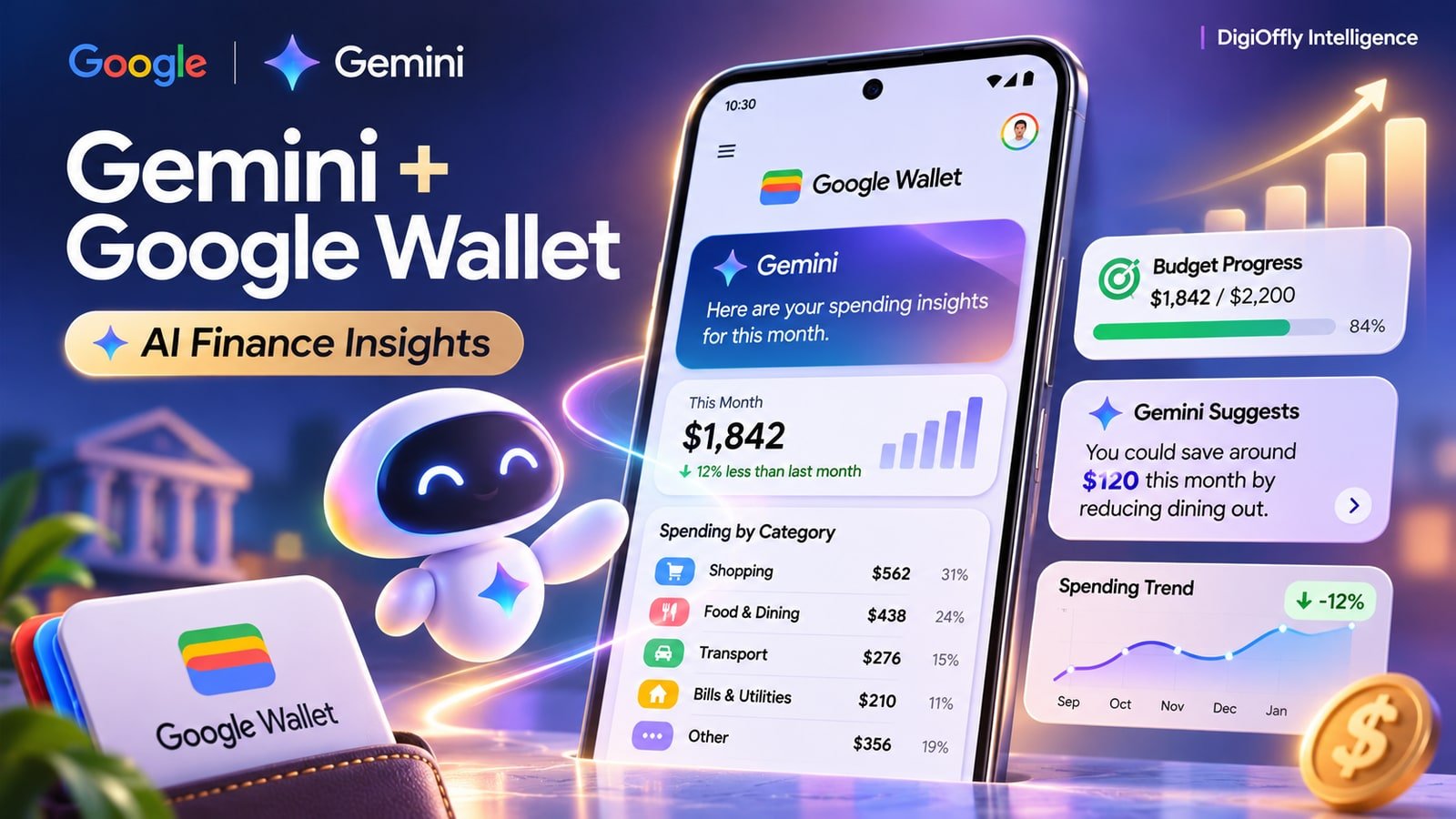
From linked spending to an informed budget
Google Wallet provides selected account context to Gemini for analysis. Optional external account linking adds context; the connection is read-only.
What Happened
Google is extending Personal Intelligence in Gemini to information in Google Wallet. The idea is to make financial questions less abstract: rather than giving the assistant a budget from memory, a person can ask Gemini to use information from an account they choose to connect. Google Wallet data can inform answers about spending, cash flow and recurring charges. Plaid confirms it is providing account linking for deeper insights.
That is useful for an AI budgeting assistant, but the assistant is not a bank, a ledger or an accountant. The Gemini personal finance experience is a new optional connection inside the existing Gemini app, not a separate product launch. It should also be distinguished from OpenAI’s newly announced ChatGPT Wallet, which is built for authorized purchases.
Who Is Affected & When
Google describes a US rollout for Gemini app users across the web, Android and iOS. Access may appear at different times for individual accounts. The support documentation identifies an English-language, personal-account experience and requires Keep Activity to be enabled. Google’s launch announcement does not state an additional subscription charge for the integration; we are not assuming the same account eligibility for work or school accounts. No date is given for expansion beyond the US.
Gemini Google Wallet is optional, and Plaid account linking is an additional choice rather than something every user must complete.
What Changes in Practice
1. Gemini Google Wallet can put spending in context
Ask Gemini to compare spending over a defined period or identify which broad categories account for a larger share of the total. The launch describes charts for cash flow, budgets and allocation. A useful spending analysis should specify the date range and which accounts are included. Missing accounts, transactions still processing and transfers between accounts can distort the result. Use the underlying bank statements as the source of truth.
For cash flow tracking, reconcile transfers and refunds before making decisions based on a chart.
2. Subscription tracking becomes a conversation
A recurring payment tracker can help surface charges that a user forgot about. Google illustrates this with recurring subscriptions and possible changes in their prices. Ask Gemini to separate monthly from annual charges and show which transactions support its summary. A repeated payment is not necessarily a subscription, and the assistant may misclassify a merchant. Review each result against the account history.
Subscription tracking app workflows often include cancellation or alerts, but the Gemini Google Wallet connection should not be treated as an automatic cancellation tool.
3. An AI budget planner is useful only with clear inputs
Gemini can suggest a budget using a previous period’s activity. Ask for a simple holiday budget or set a saving goal and request a breakdown of discretionary spending. Budget visualization can make a plan easier to discuss, but it cannot guarantee that future income or costs will match the past. A personal finance dashboard should separate actual spending from estimates. If an AI budget app recommends reducing expenses, confirm the categories and amounts before acting.
Keep the advice distinct from a professional financial plan.
4. Plaid account linking adds financial context
Google Wallet can be connected to Gemini without adding every external account. Users who choose Plaid account linking may get more context from supported credit cards, bank accounts and other eligible financial accounts. Plaid describes linking bank, card, loan and investment accounts. Coverage varies, so do not assume every institution or transaction will be available.
Bank account linking is a permission decision: connect only the accounts necessary for the question, then check the source and date of the data. A financial data aggregation service is not proof that all balances or transactions are current.
5. Read-only access does not mean data-free processing
Gemini Google Wallet can read the connected information but cannot execute a transaction or move, manage or invest funds through this connection. Users can turn Wallet off in Personal Intelligence under Connected Apps, and they can unlink external financial accounts separately in Wallet settings. Google’s support pages also explain that Keep Activity must be on for this connection and that disconnecting an app is not the same as erasing Gemini Apps Activity.
Review the privacy notice, activity controls and account permissions before enabling financial data access. Financial data privacy is a separate concern from whether an AI can move money.
| Consideration | Gemini Google Wallet | ChatGPT Wallet |
|---|---|---|
| Primary role | Understand spending and plan budgets | Authorize supported agent purchases |
| Account access | US Gemini app rollout; English and eligibility requirements apply | US ChatGPT Pro via Dots, age 18+ and eligible cards |
| Financial data | Wallet information; optional Plaid connection | Eligible card setup and purchase details |
| Money movement | Read-only through this connection | Approved purchases through payment tokens |
| User control | Optional connection; manage activity and account links | Separate authorization and security check per purchase |
Why It Matters
The Gemini Google Wallet announcement brings personal finance questions into a general-purpose AI assistant. For a user, the value is in turning a collection of transactions into a focused question. For software buyers, it illustrates the difference between a conversational interface and dedicated expense tracking tools or accounting software. An AI expense tracker may classify spending, but an accounting workflow still needs accurate records, reconciliation and reporting.
Businesses should not send corporate financial data through a personal account simply because the connector is convenient. The relevant evaluation criteria include account eligibility, access controls, retention, export and the accuracy of transaction classification.
Our Take
Gemini is most useful here as a way to ask a better question of your own records. Start with a limited set of accounts, test a straightforward question against a statement, and then evaluate whether broader account access is worth the privacy trade-off. Compare an AI financial assistant with a dedicated subscription or budgeting tool based on what it can actually verify and how easily permissions can be revoked.
Google’s read-only boundary is reassuring for payment control, but it does not resolve every issue around data storage or AI-generated conclusions. This coverage is based on official documentation; DigiOffly has not connected a real financial account for testing.
Frequently Asked Questions
Is Gemini Google Wallet available outside the US?
Google announced the connection for US Gemini app users on web and mobile. The help documentation identifies additional eligibility and language requirements. No international rollout date was announced.
Can Gemini use Google Wallet to make payments?
Not through this read-only connection. Gemini can answer questions about linked information, but cannot use it to move or invest money or make a payment.
Do I have to connect my bank account through Plaid?
No. External financial account linking is optional and can provide deeper insights. Review Wallet and Plaid permissions and the institutions supported before connecting.
How do I turn the Gemini Google Wallet connection off?
Use Connected Apps under Personal Intelligence to disconnect Wallet. External accounts can be unlinked separately in Wallet settings. Check Gemini Apps Activity if you also want to manage previously saved interactions.
Official Sources & Dates
Announcement: 2026-11-13; effective or availability date stated by the vendor: 2026-11-13. Check official updates before purchasing or changing production settings.
- Google: Google Wallet in Gemini announcement
- Plaid: Google Wallet and Gemini account linking
- Gemini Help: Wallet eligibility and controls
- Gemini Help: Connected Apps settings
- Gemini Apps Privacy Hub
- OpenAI: ChatGPT Wallet announcement
Editorial note: DigiOffly verified dated primary sources. This is not a claim of hands-on testing unless independently documented. Prices and access conditions may change.