

📊 Microsoft Copilot Review 2026 Summary
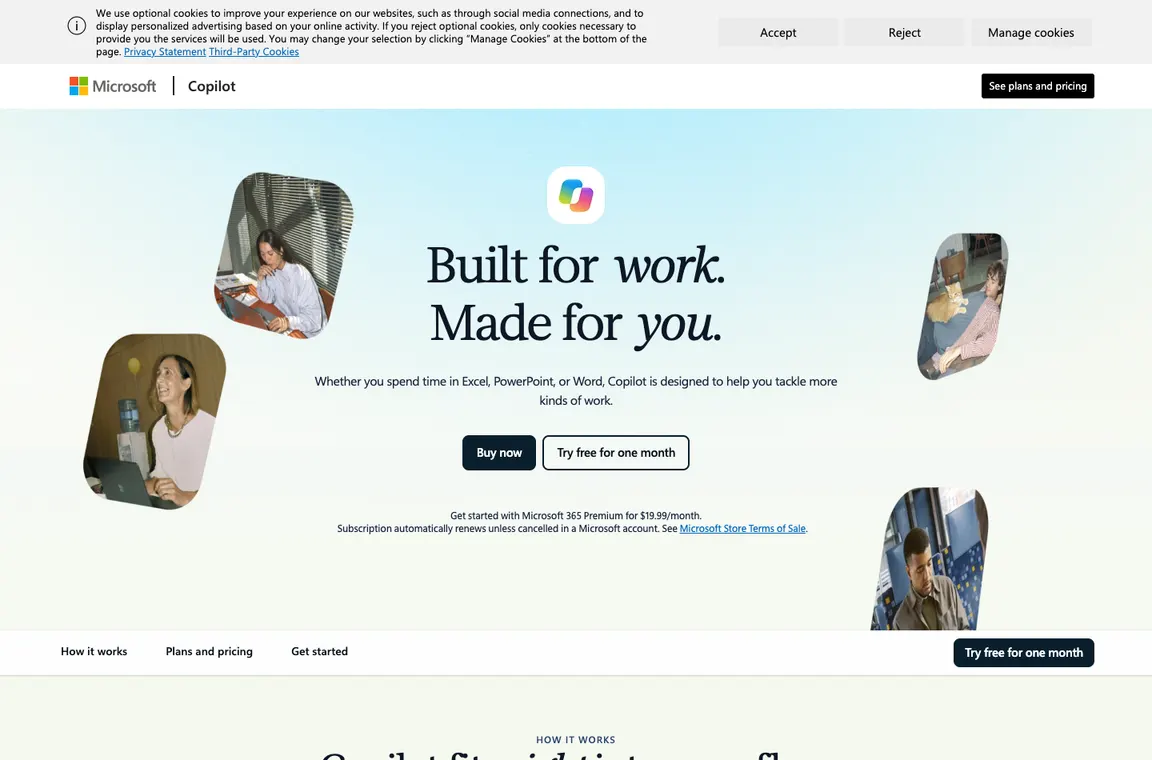
Before comparing Microsoft Copilot prices, identify which Copilot you are buying. The free assistant, AI functions bundled with an individual’s Microsoft 365 plan and the work-account Microsoft 365 Copilot product are different entitlements. This review separates them and tests the buying logic against familiar Word, Outlook, Teams and SharePoint tasks. It also explains why an advertised Business promotional rate may be only an add-on to an eligible base license. We refer to Microsoft’s public plan information; a subscription badge does not prove that every user in a tenant has the same permissions or features.
⚡ Quick Verdict: Microsoft Copilot
Microsoft 365 Copilot has its clearest purpose inside an already well-managed Microsoft workspace. It can help a user draft from a document or summarize permitted work material without moving it into another service. The benefit depends on source quality and tenant permissions: overshared SharePoint files and outdated policy documents can make a confident summary risky. Do not buy add-on seats before checking which employees have qualifying licenses and a recurring use case. Consumer Premium and GitHub Copilot are not interchangeable alternatives. Measure accurate, sourced decisions and correction time rather than generated text volume.
👍 What We Love
- ✅ Integrated Word
- ✅ Excel
- ✅ PowerPoint
- ✅ Outlook and Teams workflows
- ✅ organization-grounded answers with permissions and tenant administration
👎 Where It Falls Short
- ❌ Complex product names and subscriptions
- ❌ data-access setup
- ❌ tenant policy dependencies
- ❌ feature differences by account
- ❌ and risk of plausible but incorrect document summaries.
🏆 EDITORIAL VERDICT: Microsoft Copilot
For Microsoft 365 users with well-managed files, verified access and clear work tasks.
💰 Microsoft Copilot Pricing 2026: Free Copilot, Personal/Premium, Microsoft 365 Copilot Business
| Plan | Reference price | Published allowance or distinction | Buyer context |
|---|---|---|---|
| Copilot app | Free access | General web-grounded assistance with feature limits | Casual questions |
| Microsoft 365 Personal | About $9.99/month | Copilot in apps with entitlement limits | Individual productivity |
| Microsoft 365 Premium | $19.99/month | Higher usage for eligible Copilot tools | Heavy individual use |
| Microsoft 365 Copilot Business annual | Promotional from $18/user/month | Requires eligible Microsoft 365 context and annual term | Small businesses |
| Microsoft 365 Copilot Business monthly | $25.20/user/month | Monthly commitment | Businesses |
| Microsoft 365 Copilot enterprise | Check plan / quote | Enterprise Microsoft 365 and compliance controls | Large organizations |
Microsoft Copilot and GitHub Copilot are different products. Consumer Microsoft 365 subscription entitlements differ from work-account Microsoft 365 Copilot, which may require a qualifying license and separate add-on. Business annual prices and promotions vary by region and renewal terms; consumer Premium only includes Copilot features for the subscription owner.
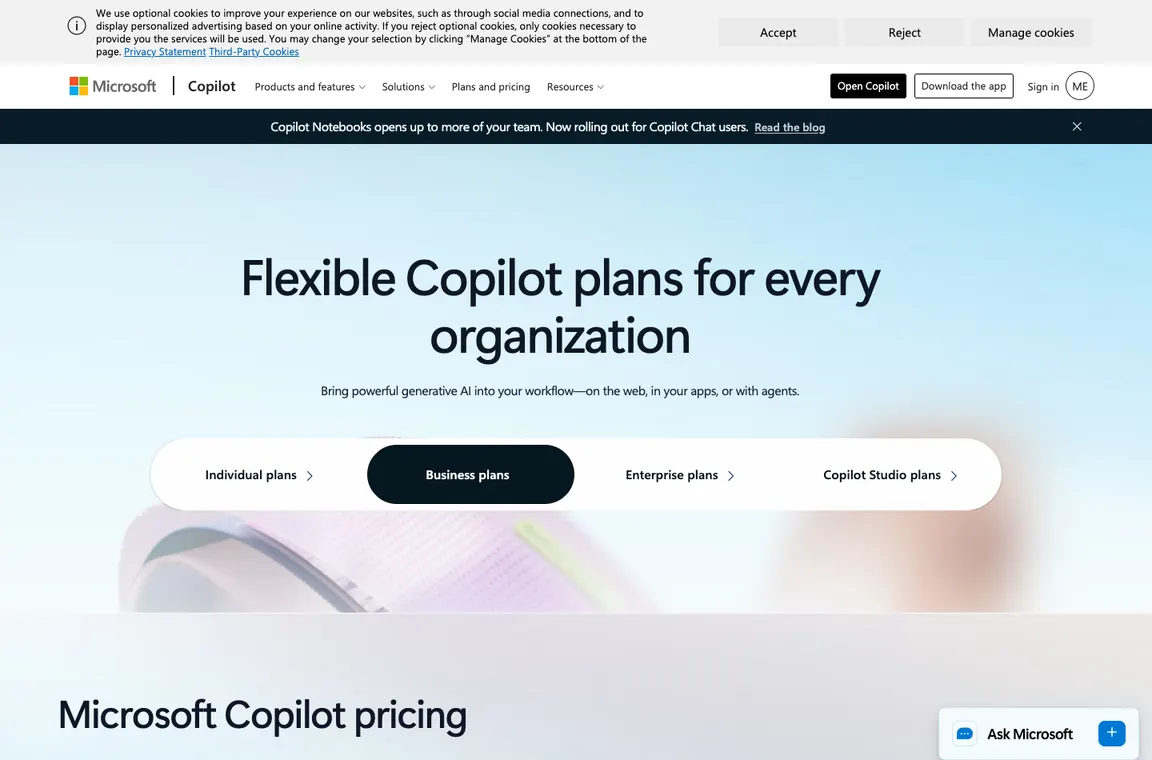
Microsoft 365 Copilot Business is not a standalone replacement for every Microsoft 365 license. The official US page lists a promotional $18 per user monthly equivalent on an eligible annual add-on and $25.20 on a monthly term, with a separate underlying qualifying subscription potentially required. The promotion has a stated period and renewal conditions. A meaningful budget therefore includes base licenses, add-ons and any separately metered advanced actions. Compare this total with bundles that already include Copilot before assigning the cheapest visible rate to every employee.
🎯 Who Microsoft Copilot Is Best For
The natural customers are Microsoft 365-heavy businesses whose staff create documents, manage mail and consult permission-controlled work files. A small company may test a few Business seats before expanding, while an individual can evaluate Personal or Premium entitlements without buying a business add-on. A developer seeking coding suggestions needs GitHub Copilot instead. A Google Workspace organization should compare Gemini using the same authorized source files. Users in a poorly organized tenant need access cleanup and content governance before they can expect reliable work-grounded summaries.
| Buyer situation | Recommended starting point | Decision to verify |
|---|---|---|
| Individual using personal Microsoft 365 | Personal/Premium by entitlement | Does account owner actually receive Copilot in needed apps? |
| Small business already using Microsoft 365 | Business trial after checking base licenses | Can Word/Outlook tasks use authorized sources? |
| Tenant with overshared SharePoint | Clean access first, defer rollout | Do Copilot answers honor document permissions? |
| Engineering team seeking AI coding | Evaluate GitHub Copilot instead | Is the task code, rather than office productivity? |
🧩 Microsoft 365 features, identity and data access
Microsoft Copilot product names explained
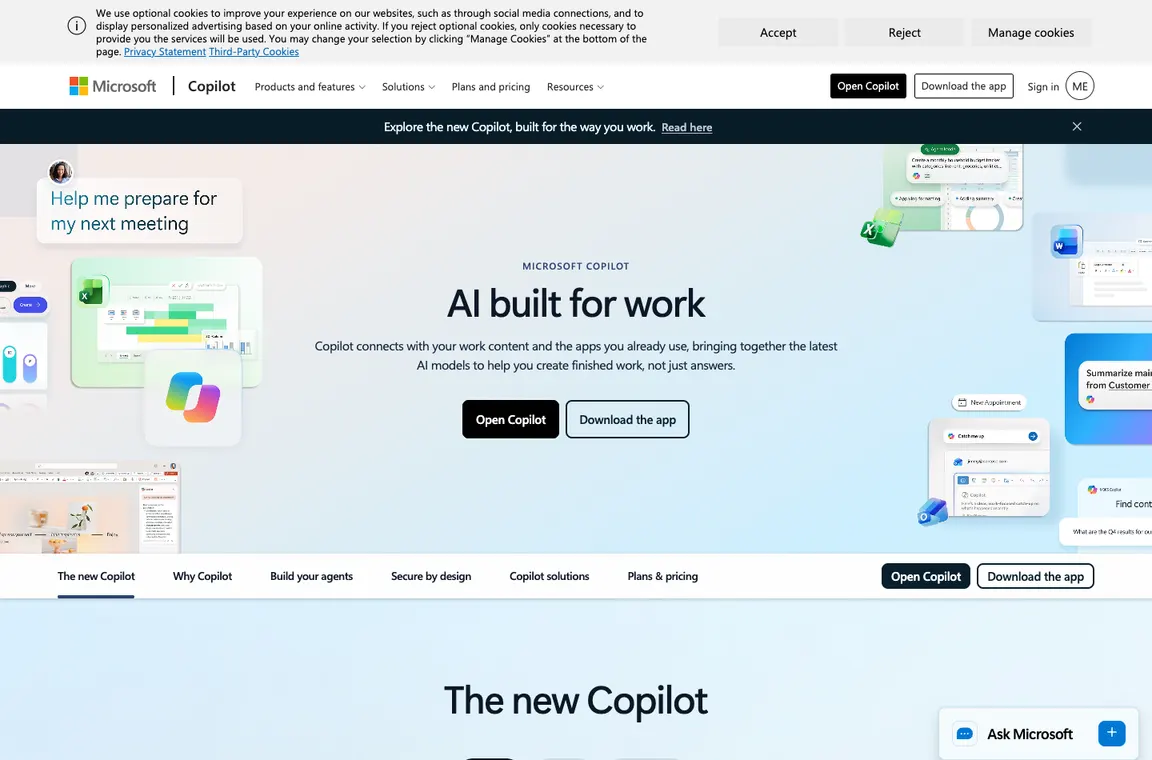
Microsoft uses Copilot across consumer apps, Windows experiences and business software. A user searching for Microsoft Copilot pricing may be comparing different purchases without realizing it. The free copilot.microsoft.com assistant is not a license to unlock every feature in Excel or Outlook. Business Microsoft 365 Copilot is also distinct from GitHub Copilot for development. Start by naming the exact account type and app.
Microsoft 365 Copilot Business pricing
For an eight-person pilot, Microsoft’s advertised promotional $18 per-seat monthly equivalent on an eligible annual Copilot Business add-on produces a $1,728 annual add-on obligation. Buying the $25.20 monthly-term option for the same eight people over twelve months would total $2,419.20 if that rate and seat count stayed unchanged. Neither figure includes the qualifying Microsoft 365 subscription, tax or any separately metered advanced actions. That difference matters: an organization with an unsettled SharePoint permission model should not buy a year of add-ons merely to access a discount. Start by choosing staff with real Word, Outlook or Teams use cases, correct overshared files and confirm promotional eligibility and renewal dates. Microsoft 365 Copilot Business pricing must be evaluated as part of the complete tenant budget.
Compare Microsoft Copilot Business annual and Microsoft Copilot Business monthly commitments using total first-year cash cost. The advertised annual promotion applies to eligible plans and may change at renewal; a separate base Microsoft 365 license may be required.
Microsoft 365 Premium for individuals
The personal Microsoft 365 Premium plan currently advertises $19.99 per month with expanded eligible Copilot features. Family and individual subscriptions have different storage and sharing terms, and the Copilot benefits may apply only to the subscription owner. A household should not assume every Family member gets the same AI entitlement. Compare the user who needs AI with those who only need Office apps.
Copilot in Word, Excel, Outlook and PowerPoint
The most obvious use is asking Copilot to summarize, edit or draft from files already in the Microsoft environment. This is valuable when documents are well organized and staff understand source permissions. In Excel, confirm formulas and units. In PowerPoint, inspect slide claims and accessibility. In Outlook, read the underlying email thread before sending an AI-composed response.
Copilot in Excel should be checked against source formulas and units; Copilot in PowerPoint needs verification of facts and attribution. Copilot in Outlook must preserve the intended recipients and any confidential context.
Microsoft Copilot grounding and Work IQ
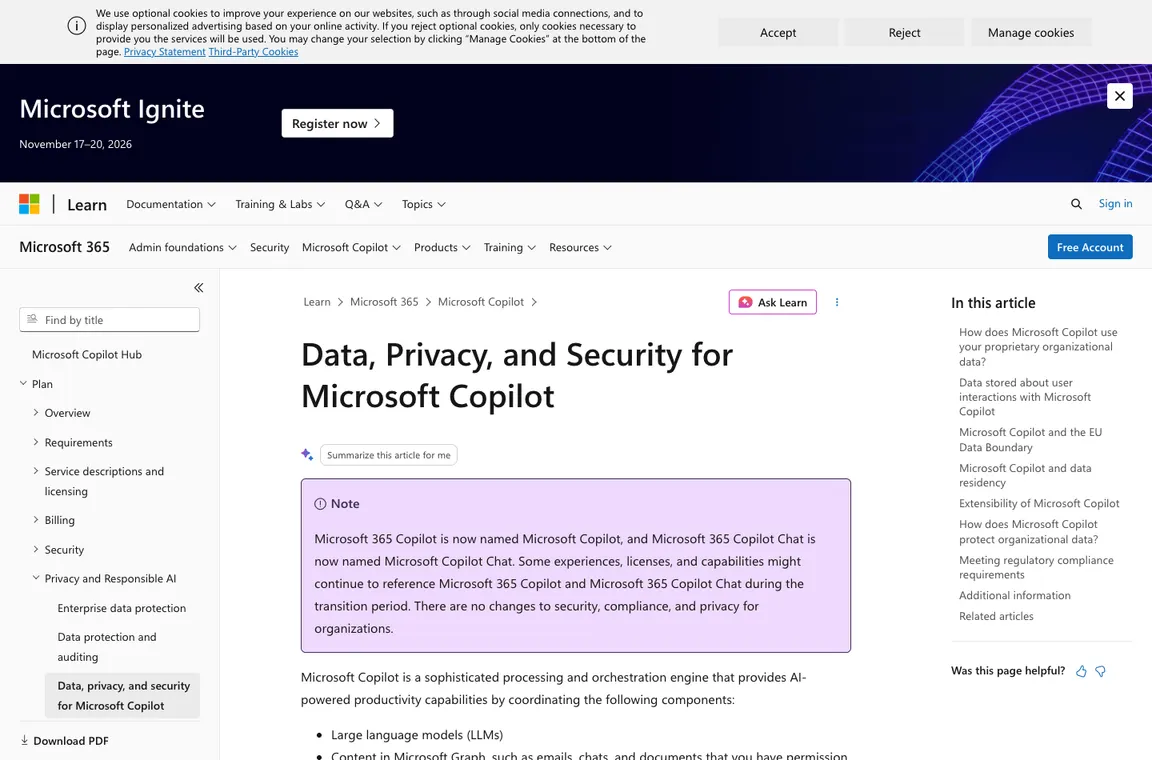
Organization-aware Copilot relies on permissions, content quality and connected Microsoft 365 data. Permission inheritance is critical: a user who can access sensitive SharePoint documents may inadvertently surface them through search or summaries. Copilot should not be treated as a substitute for correcting over-broad access. Test citations against source files and remove outdated or duplicated content before rollout.
Microsoft Copilot Work IQ relies on organizational permissions. A Microsoft Copilot data privacy review should inspect inherited SharePoint access before connecting sensitive libraries, rather than expecting generated summaries to correct security misconfiguration.
Microsoft Copilot agents and task automation
Agents can support repeated workflows or research, but automation introduces operational risk. A sales-team assistant should read CRM data and draft suggestions before it is allowed to update records. Confirm connector permissions, logging, deletion policies and escalation routes. Some agent or cowork capabilities are metered separately from base subscription entitlements. Work out ongoing consumption before calling a task ‘included’.
Microsoft Copilot privacy and admin controls
Enterprise controls are important for regulated use, but correct configuration remains a customer responsibility. Review tenant roles, data loss prevention, retention and any admin-approved connectors. Do not assume a user-visible citation means the output is comprehensive or current. Train staff to verify sensitive interpretations against the official document and to avoid sharing generated summaries more broadly than their sources.
Microsoft Copilot vs ChatGPT and Gemini
If your team already lives in Word, Outlook and Teams, the in-place Microsoft integration can reduce copying content across tools. ChatGPT and Gemini may offer different research and creation capabilities, but the comparison depends on permitted data connectors and organizational contracts. Test an identical task across tools and measure citation quality, correction time, access handling and licensing overlap.
📋 Microsoft Copilot Features: What Needs Verification
| Capability | Vendor fact or evaluation method | Evidence to collect |
|---|---|---|
| Consumer vs work | Different account products have distinct data grounding | Authenticated user and license check |
| Business pricing | Promotional $18 annual add-on plus eligible underlying license | Full seat-year invoice |
| Document source | Word, Outlook, Teams citations checked against originals | Reviewer sign-off |
| Agents and connectors | Read-only first with explicit approval for changes | Tenant policy and action audit |
🛠️ Tenant readiness, document accuracy and AI agents
Free Copilot versus Microsoft 365 work access
Microsoft uses the Copilot name for several experiences, which makes casual price comparisons misleading. The free web assistant can help draft an outline or discuss a topic, but it is not the same purchase as a work-account assistant grounded in organizational Microsoft 365 data. A user with a personal Microsoft subscription may also receive selected Copilot functionality within Word, Outlook or other apps under a different entitlement. Before buying, write down the account type, application and source files involved. The same label on a menu does not prove that two users have identical capabilities.
A practical trial distinguishes three tasks: a general web question, editing an individual’s document, and answering a work question based on permissions-controlled internal files. Each requires a different access path and may use a different license. Review the cited source files and confirm that the answer respects the user’s permissions. A consumer chatbot demo should not be used to justify an enterprise deployment that depends on SharePoint, Teams and tenant administration.
The real first-year Microsoft Copilot Business cost
Microsoft currently advertises a promotional starting rate of $18 per user per month equivalent for the Microsoft 365 Copilot Business add-on when paid yearly, alongside a $25.20 monthly-term option. The advertised annual rate is subject to eligibility and promotional dates; current terms describe the initial annual period rather than a permanent fixed renewal promise. A qualifying Microsoft 365 Business license may be required separately. That means a team of eight should never multiply the $18 figure by one month and assume it describes its full cash commitment.
Construct a purchase worksheet showing underlying Microsoft 365 seats, Copilot add-on seats, term length, tax, renewal timing and any advanced metered AI activity. Compare with bundled Microsoft 365 business plans that include Copilot where available. Promotional business add-ons and an all-in-one bundle are not the same package. Finance should validate the final checkout or reseller quote, not a dated blog post. The budget needs to account for what happens after the first year as well as what is paid on day one.
Microsoft Copilot in Word and PowerPoint: source controls
In Word, Microsoft Copilot can help reorganize a draft, produce a first outline or identify awkward structure. It should not silently turn an unverified figure into a published statement. For a proposal, begin with an approved scope document and a list of required claims. Ask for a short executive summary, then verify every stated date, cost and deliverable against the original. Keep track changes or an equivalent revision history available so the human author can identify substantive additions. An attractive summary is not authoritative simply because it is formatted well.
In PowerPoint, the same caution applies to charts, examples and cited sources. A polished slide can hide the absence of supporting data. Ask the reviewer to verify chart axes, units and interpretation, then ensure that images and speaker notes meet the organization’s accessibility standards. The tool may accelerate slide structure, but the presentation owner remains responsible for accuracy and for distinguishing estimated numbers from measured results.
Microsoft Copilot in Excel: trustworthy numerical analysis
An assistant that proposes an Excel formula can save time, but a plausible result is not necessarily correct. Consider a subscription forecast with mixed monthly and annual billing. If Copilot divides an annual upfront payment by twelve, the monthly equivalent may be useful for comparison, but it does not describe first-month cash outflow. A good analysis needs explicit definitions for recurring expense, prepaid cash, contract liability and active seats. Ask Copilot to explain the assumptions and then test the formula on simple known cases.
Check filters, date formats, empty cells and outliers before presenting a result. For larger workbooks, verify that formulas reference the intended tables and that the output does not omit hidden rows or disconnected sources. A second person should reproduce key totals independently. Microsoft Copilot can aid navigation and explanation, but the financial owner must approve interpretations. A numerically confident sentence is not a substitute for a validated calculation.
Microsoft Copilot in Outlook and Teams: checking decisions
A project manager may want a concise summary of a lengthy email thread or Teams discussion. The immediate benefit is reduced reading time, but a summary can miss a conditional approval or incorrectly treat a suggestion as a final decision. Choose a real, nonconfidential sample thread with several participants and changing deadlines. Ask Copilot to identify owners, decisions and outstanding questions, then compare the output with the underlying messages. The difference between ‘we could ship’ and ‘we approved shipping’ is critical.
Before sending an AI-written reply, inspect recipients, attachments and quoted context. Outlook suggestions can be helpful for tone but should not trigger a commitment that the original discussion did not authorize. Teams summaries should link to the relevant messages or meeting material where possible. If a manager regularly relies on recaps, establish a rule that high-impact decisions are explicitly confirmed in the source system rather than inferred from generated meeting notes.
SharePoint permission inheritance and Work IQ
Work-grounded Microsoft 365 Copilot can surface information from systems the user is allowed to access. That capability becomes dangerous if permissions were already too broad. An employee with access to an old SharePoint library may receive a summary of material that was not meant for their current role, even if nobody intentionally shared that document through Copilot. Before rollout, inspect overshared sites, obsolete group memberships and sensitivity labels. Search quality and access quality are intertwined.
Run a controlled permission test with two sample identities. One may read a project folder and the other must not. Check whether Microsoft Copilot responses and citations obey those boundaries, then correct the underlying SharePoint or Microsoft 365 access controls if they do not. Do not rely on prompt instructions as a security mechanism. Work IQ and other grounding capabilities can improve relevant responses, but they do not replace access governance, data retention planning or a process for removing departed employees.
Agents, connectors and metered advanced actions
Microsoft’s Copilot product line increasingly includes agents that can do more than compose text. A purchasing assistant might gather invoices or recommend next steps, while an approved workflow could update an internal record. The risk grows sharply when the system receives write permissions. Begin with a read-only information task and ask the agent to produce a reviewable proposed action. Confirm connector scopes and audit logging before enabling changes. An agent should not send an email, modify customer data or initiate a payment without an appropriate authorization path.
Advanced AI capabilities, including some agent and cowork experiences, may be billed based on use even when a base Microsoft 365 subscription is active. A test budget should distinguish ordinary included assistance from separately metered work. Admins need to identify which roles may create agents, connect additional data sources and publish workflows to other users. Monitor failures and unexpected actions as closely as successful task completion. A production workflow should have an escalation route and a simple way to stop execution.
Microsoft Copilot consumer Premium, Family and business rights
A home user asking about Microsoft Copilot may encounter Microsoft 365 Personal, Family and Premium options with different AI access. Premium advertises higher allowances for some eligible experiences, but a family storage subscription does not automatically grant identical Copilot benefits to every relative. Business accounts are licensed and administered differently. Before paying, verify exactly which person receives the AI entitlement, what apps and devices it covers and whether another subscription is already active under the same Microsoft identity.
This distinction matters for a small company where staff have both personal and work accounts. A document stored in a personal OneDrive folder is not the same as an approved file in a company tenant. Do not route sensitive customer work through a consumer account merely to avoid business licensing. The right cost analysis compares what the actual staff member can do with the selected identity and the privacy controls that apply to that workspace.
Copilot versus ChatGPT, Gemini and GitHub Copilot
Microsoft Copilot is attractive where work happens primarily in Word, Outlook, Teams and permissions-controlled Microsoft 365 files. ChatGPT or Gemini may be more suitable for other research, generation or connected workflows depending on approved data access. GitHub Copilot is a distinct software-development product and should not be mistaken for the office assistant. A fair comparison begins with the same authorized source documents and an identical task, such as extracting open decisions from a weekly project report.
Score each tool on citation fidelity, correction time, permission behavior and total cost rather than headline model branding. Ask whether a generated output remains useful when detached from the original platform. For a Microsoft 365-centered company, lower copying overhead may justify the integrated product; for a business using several ecosystems, a more general assistant may be preferable. The correct answer depends on data location, user governance and which tool consistently produces a human-approved result.
Tenant readiness before activating more seats
The fastest way to waste a Microsoft 365 Copilot rollout is to buy seats before checking the environment. Assess whether SharePoint content is organized, permissions still match team responsibilities and employees understand which OneDrive or Teams materials they may use. Assign a tenant administrator and a business owner for the pilot. Start with a few users who have well-maintained workspaces; compare their results with a department where source documents are incomplete or duplicated. If Copilot retrieves stale or irrelevant material, fix the information architecture rather than only changing prompts. Better source quality improves the usefulness of answers and reduces the temptation to trust confident but unsupported summaries.
Prompt injection and source reliability in connected content
A document that an assistant can read might contain misleading instructions, accidental comments or content inserted by another party. A Copilot workflow should treat retrieved text as evidence about the document, not as instructions that override user permissions or company policy. Test whether summaries preserve citations and whether staff can open and verify the original files. In sensitive workflows, require approval before an agent uses connected content to trigger an external action. Source grounding reduces some hallucinations but introduces dependency on source quality and access configuration. Keep a way to report problematic documents and correct them centrally rather than asking each employee to remember a workaround.
⚖️ Microsoft Copilot vs Alternatives: Head-to-Head
| Alternative | What it emphasizes | Decision criterion |
|---|---|---|
| ChatGPT | General-purpose assistant and connected workflows | Compare source access and privacy |
| Google Gemini for Workspace | Google productivity suite integration | Compare tenant lock-in and apps |
| GitHub Copilot | Software development rather than office productivity | Do not confuse product names |
ChatGPT may be useful for general research and creation, while Microsoft Copilot’s distinctive advantage is using familiar Microsoft 365 apps and work-permitted data. To compare them, select an authorized document set and ask both assistants to summarize decisions, preserving links to source material. Judge citation fidelity, correction time, sharing controls and any additional connector costs. A user should not move confidential documents into an unapproved account simply to reproduce a better-looking demo. Integrated convenience matters only when the data and permissions are correct.
Gemini for Workspace may be the more natural option for organizations whose documents, mail and calendar are primarily in Google’s ecosystem. Microsoft Copilot is designed around a different application and tenant environment. The cost of moving information between those systems can outweigh small differences in subscription price. Run the same business task, such as producing a project update from current files, and check whether the assistant can cite authorized sources and correct an error. A fair decision includes governance and account administration, not just writing quality.
GitHub Copilot is named similarly but targets software development rather than everyday Microsoft 365 document workflows. Paying for GitHub Copilot does not automatically unlock Copilot in Word or Teams. A company with engineers and office staff may need different products for different groups. Test coding assistance on a repository and office assistance on work documents separately; combining the results under one ‘Copilot’ line item obscures budgets and access permissions. Keep a clear license inventory with the actual user, product, tenant and renewal term.
📋 Microsoft Copilot Procurement Checklist
- List exactly which Copilot product and Microsoft identity the user has.
- Verify the qualifying Microsoft 365 Business license before add-on purchase.
- Check the promotional rate’s eligibility and renewal date.
- Audit SharePoint and Teams document permissions before grounding.
- Test a Word/Outlook summary against source messages and figures.
- Confirm Excel formulas and units with independent example calculations.
- Begin connected agent workflows read-only with action approval gates.
- Separate business license cost from metered advanced-agent consumption.
| Decision test | Evidence to retain | Pass condition |
|---|---|---|
| Licensing | SKU, tenant and checkout confirmation | Correct underlying and add-on entitlements |
| Permission safety | Two test identities with different access | Restricted source stays restricted |
| Source fidelity | Cited answer and original file | Dates, decisions and figures match |
| Excel | Verified formulas with known inputs | Correct calculation and interpretation |
| Agent action | Read-only log and approval record | No unexpected external change |
🏆 Final Verdict on Microsoft Copilot
A Microsoft Copilot license can be valuable when it reduces the effort of working with authorized Microsoft 365 information. Its success depends as much on tenant preparation as on model quality. Check SharePoint permissions, source currency, citations and ownership before relying on outputs in customer decisions. Build the cost from base licenses, promotional add-ons, renewal terms and any separately metered agent actions. Keep consumer and work-account features separate in the purchase plan. Renew only for staff who regularly get accurate, reviewable help inside their actual applications.

Frequently Asked Questions
Is Microsoft Copilot free to use?
Microsoft offers a free Copilot experience for general assistance, but that doesn’t unlock every Microsoft 365 app integration or organizational data feature. Confirm which account and application you’re using.
What is Microsoft 365 Copilot Business?
It is a work-focused license for eligible Microsoft 365 business environments. It differs from the free consumer assistant and personal Microsoft 365 AI entitlements, and it can depend on an existing qualifying subscription.
Is the advertised $18 Copilot Business price permanent?
Microsoft’s US promotion for eligible annual Copilot Business add-ons is listed at $18 per user monthly equivalent through December 31, 2026. Renewal pricing and the underlying Microsoft 365 license must be checked separately.
How does Microsoft Copilot Business annual billing differ from monthly?
The commitment length and cash-flow timing can differ even where both quotes display a monthly figure. Compare the whole first-year obligation and confirm any required base license, tax and renewal date.
Can Microsoft Copilot summarize private SharePoint documents?
It can ground responses in content the user is authorized to access. That’s why overly broad SharePoint permissions need to be corrected before rollout; the assistant won’t repair an access-control problem.
Will Microsoft Copilot in Excel calculate financial models correctly?
Don’t assume so. Check formulas, units, filters and cash-flow definitions against known examples. An answer that looks reasonable may conflate annual payment with a monthly-equivalent cost.
Can Microsoft Copilot draft an Outlook reply or Teams summary?
Eligible features can assist with emails and meeting or conversation recaps. Review recipient lists, deadlines, attachments and the exact source messages before sending a commitment or publishing a decision.
Are Microsoft Copilot agents included in every subscription?
Not necessarily. Some advanced agent and connector workflows have separate usage or licensing rules. Confirm enabled capabilities and any metered costs with the tenant administrator.
Does Microsoft 365 Family give every member the same AI access?
No such assumption is safe. Consumer AI entitlements can depend on the owner and exact subscription. Check the current plan details and the Microsoft account receiving the benefit.
Is Microsoft Copilot the same as GitHub Copilot?
No. Microsoft’s productivity Copilot focuses on office applications and work information, while GitHub Copilot is primarily a development assistant. Each needs its own licensing assessment.
Is Microsoft Copilot better than ChatGPT or Gemini for business use?
For an organization working primarily in Microsoft 365, in-app access to authorized files may reduce copying and setup. Compare source citations, tenant permissions, correction time and total license costs on the same real task.
EXPLORE NEXT ON DIGIOFFLY
🔍 Compare AI Tools & Software
Validate features, plans and workflow fit for Microsoft Copilot before committing to another subscription.
Find AI & Tech reviews
- AI & Tech Offers — Explore the full category.
- Midjourney review — Image-generation alternative.
- ChatGPT review — General-purpose AI workflows.
- Google Gemini review — Check Google's alternative for Workspace-centered teams.
- GitHub Copilot review — Distinguish the developer product from office Copilot.
Compare verified options
- Software Directory — Find tools and plans.
- Compare — Compare products directly.
- AI Software Finder — Match features to a task.
Plan what to buy
- Cost Calculator — Work out first-year spending.
- Best Value Advisor — Explore price and capabilities.
- Deals Hub — Check verified offers and terms.
- Browse productivity and collaboration software — Compare AI assistance with project workspaces and team communication.
Pricing and product capabilities can change after publication. Confirm subscription terms, regional tax and account eligibility with the provider.