

Pricing and specifications checked 2026-11-21 against vendor primary sources. Conditions, billing cycles and regions may change.
FX Blue combines free account publishing, forex analytics, market tools and software for simulation or copying trades. This FX Blue review examines what its reports actually show, how the tools differ, and which limits matter before deciding whether to connect any account, starting with read-only or demo access. We evaluated public documentation and interface pages, not a funded account or a live trade.
DigiOffly currently uses direct non-affiliate product links. Vendor claims are distinguished from independently observed tests. No investment or trading advice is provided.
📊 FX Blue Review Summary
FX Blue is an unusual entry in the trading-software market because it is not simply a charting site or a trading journal. It provides FX Blue Live for account reporting, a suite of MetaTrader tools, trade-copying utilities, a manual backtesting simulator, and the MyTrader environment. Those activities solve different problems. A person reviewing a forex strategy needs an honest record of deposits, withdrawals, drawdown and trade timing. A trader managing several MT4/MT5 installations may need to copy positions between accounts. Somebody still learning an entry rule may be better served by historical simulation than by publishing a profitable-looking screenshot. Each task requires a different measure of success.
Our FX Blue review focuses on the workflows that ordinary US-based readers can investigate without assuming that a specific broker, leverage level or instrument is available to them. The core account-analysis service is advertised as free. The current registration page also says the vendor's tools are free with an account. That makes the initial subscription price attractive, but the meaningful costs may instead be a compatible trading platform, the time spent configuring publishing, and the operational risk of giving an automated tool trading permissions. Free software does not make a strategy profitable or eliminate broker fees.
Quick verdict: Start with the Live service if you want to understand the consistency and limitations of a broker account's reported history. Consider the Trading Simulator if your real goal is deliberate historical practice. Evaluate the Personal Trade Copier only when you control both trading installations and understand how different brokers handle symbols, minimum lot sizes and orders. Do not install a trade copier merely to study trading statistics. The MyTrader tools are broader again and should be treated as a separate decision.
⚡ Quick Verdict: Is FX Blue Worth It?
FX Blue Live is a sensible free starting point for account-level research when the underlying broker history is complete. A trader who needs repetition and feedback can use the FX Blue Trading Simulator; somebody copying trades between installations may prefer the FX Blue Personal Trade Copier. Those tools solve different problems. None independently proves trading skill or removes broker, privacy or execution risk.
🏆 VERIFIED PRODUCT OVERVIEW — FX Blue
Free account analytics, MT4/MT5 copier and trading simulation — the limits behind the charts
Best for: Forex traders and analysts comparing published account performance and simulation utilities
🧠 What Is FX Blue?
FX Blue is a collection of trading analysis, demonstration and utility services. Its public site presents account publication and performance analysis alongside forex market data, browser-based MyTrader functionality, MT4/MT5 downloads, trade copying and trading simulation. The current homepage also promotes AI-assisted tools within MyTrader and free demo challenges. These newer interfaces should not be confused with the older FX Blue Live account-analysis pages, which have a different purpose and data flow.
FX Blue Live accepts trade history from supported platforms and converts it into a web-based report. According to the official FAQ, history can be published from MetaTrader 4, MetaTrader 5, cTrader, Oanda fxTrade, XOpenHub, Vertex FX and FXCM Trading Station 2. How information reaches the site depends on the platform. The vendor describes publisher applications and certain broker account-sync arrangements; not every integration has identical update speed or setup steps. A user should check the relevant publisher guide rather than assume that a method available for MT4 is available for another platform.
A second group of utilities runs closer to the trader's terminal. The Trading Simulator lets a person practise manual decisions against historical data within the MT4 or MT5 testing environment. The Personal Trade Copier duplicates trades across compatible terminals on one computer. Internet Trade Mirror handles remote accounts and distinct sender and receiver configurations. Both copier categories require more operational diligence than read-only report publishing because they can be connected to actual order flow.
Finally, MyTrader and the vendor's market-data tools bring charts, calculators, sentiment, order-management utilities and other functions into a broader trading workspace. A person searching for an FX Blue dashboard might mean any of these. Throughout this review, “Live” refers to the published account record, “Simulator” refers to historical practice, and “Copier” refers to automated order duplication.
🖥️ Ease of Use & The User Interface
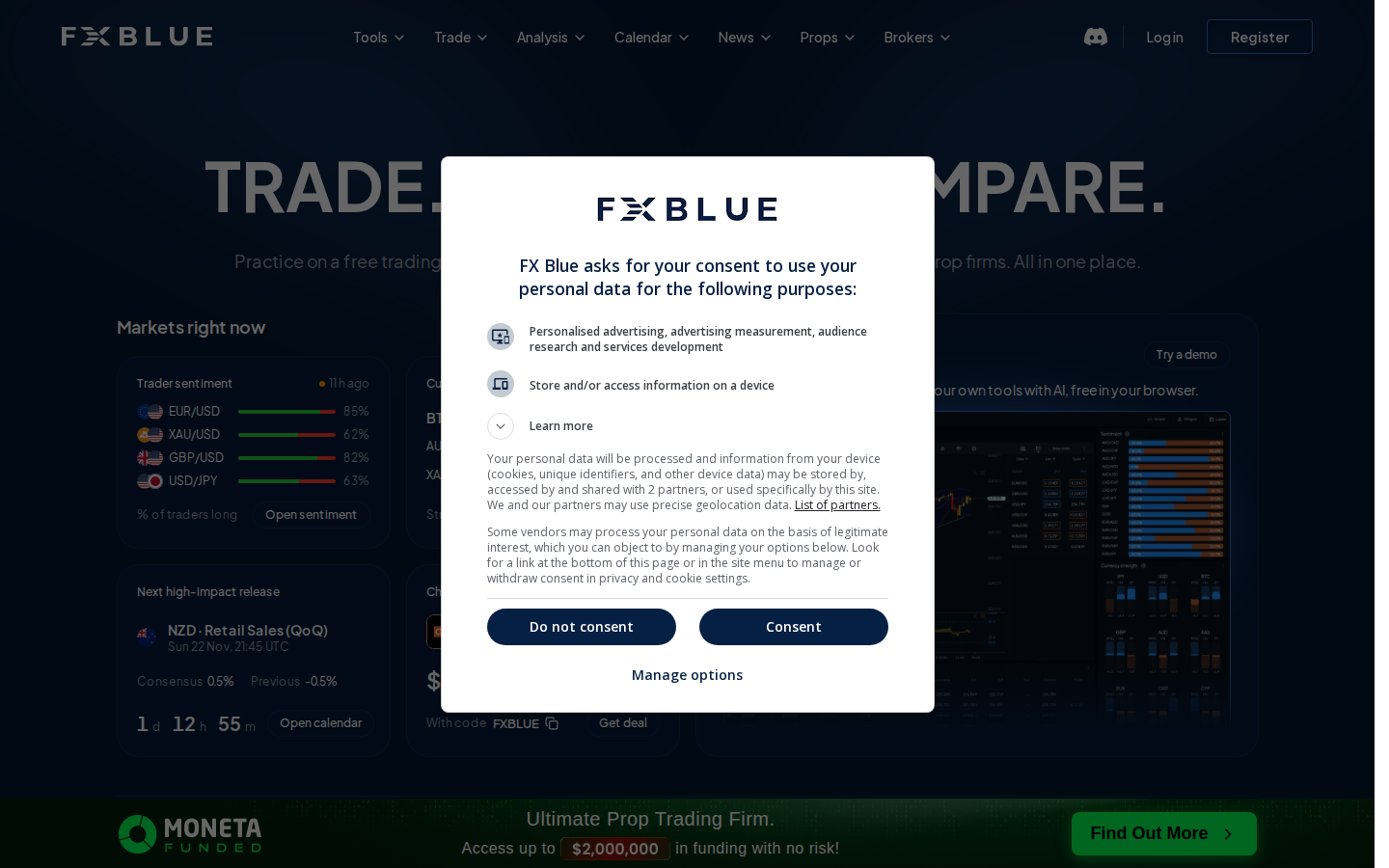
The product family is wider than an ordinary forex journal. FX Blue Live focuses on account history and public reports. MyTrader is a separate interface, and local MetaTrader copier or simulator tools require their own setup. Beginners should pick the relevant product before signing up and verify the actual broker integration rather than assuming every FX Blue feature runs in the same dashboard.
🧭 How to Use FX Blue for Beginners
These are documentation-led practical setup checks. DigiOffly did not connect a live broker account. Because account analytics and order-copying have very different permissions, begin with the least privileged option suited to the task.
1. Choose one FX Blue workflow
Start with account reporting, historical simulation or trade copying—not all three at once. The goal determines which tool you need, which data you may share and what trading permissions are appropriate.
2. Verify your platform and broker connection
Read the publisher or account-sync documentation for MT4, MT5, cTrader or the precise supported broker. Start with read-only history export or a demo environment when possible; avoid exposing credentials. An FX Blue MT5 setup may use a publisher with different permissions from an FX Blue Live read-only report.
3. Check privacy before any public publishing
FX Blue Live reports can be public by default. Restrict access, decide which fields are hidden and verify permissions while signed out before sharing the link with others.
4. Reconcile results against broker records
Compare imported trades, balance changes, fees and timestamps with your original broker statement. Use the equity and drawdown statistics for questions rather than assuming they are exact audited history.
5. Validate automated tools only on demo first
If you need a simulator or FX Blue MT4 copier, verify EA permissions, symbol mapping, sizing and failure behavior in a controlled non-funded setup before exposing real orders. Test the MT4 copier sender and receiver on a demo account before linking a live account.
🛠️ Key Features That Actually Matter
The following capabilities come from official FX Blue product and help pages. Their operational limits depend on the chosen platform, account data and user permissions.
Live account performance analysis
Free published performance reports can show balance, transaction summaries, order timing, drawdown, symbol-level performance and analytical graphs. It helps inspect a record, but its accuracy depends on account history and publishing setup. When using an FX Blue account monitor, confirm that the report is refreshing; a stale page is not live broker evidence.
Privacy and report sharing options
A public account page is not audited evidence of a profitable strategy. The official FAQ documents password protection or hiding individual orders; users should verify their settings before publishing a live account.
FX Blue Trading Simulator MT5 and MT4
The downloadable simulator adapts the MetaTrader strategy tester to manual decisions. Research users can replay historical price movement and practice order management; simulation does not certify forward performance. The FX Blue MT4 workflow should be checked separately from MT5 because the tester configuration and available data can differ.
Browser-based simulator with MyTrader
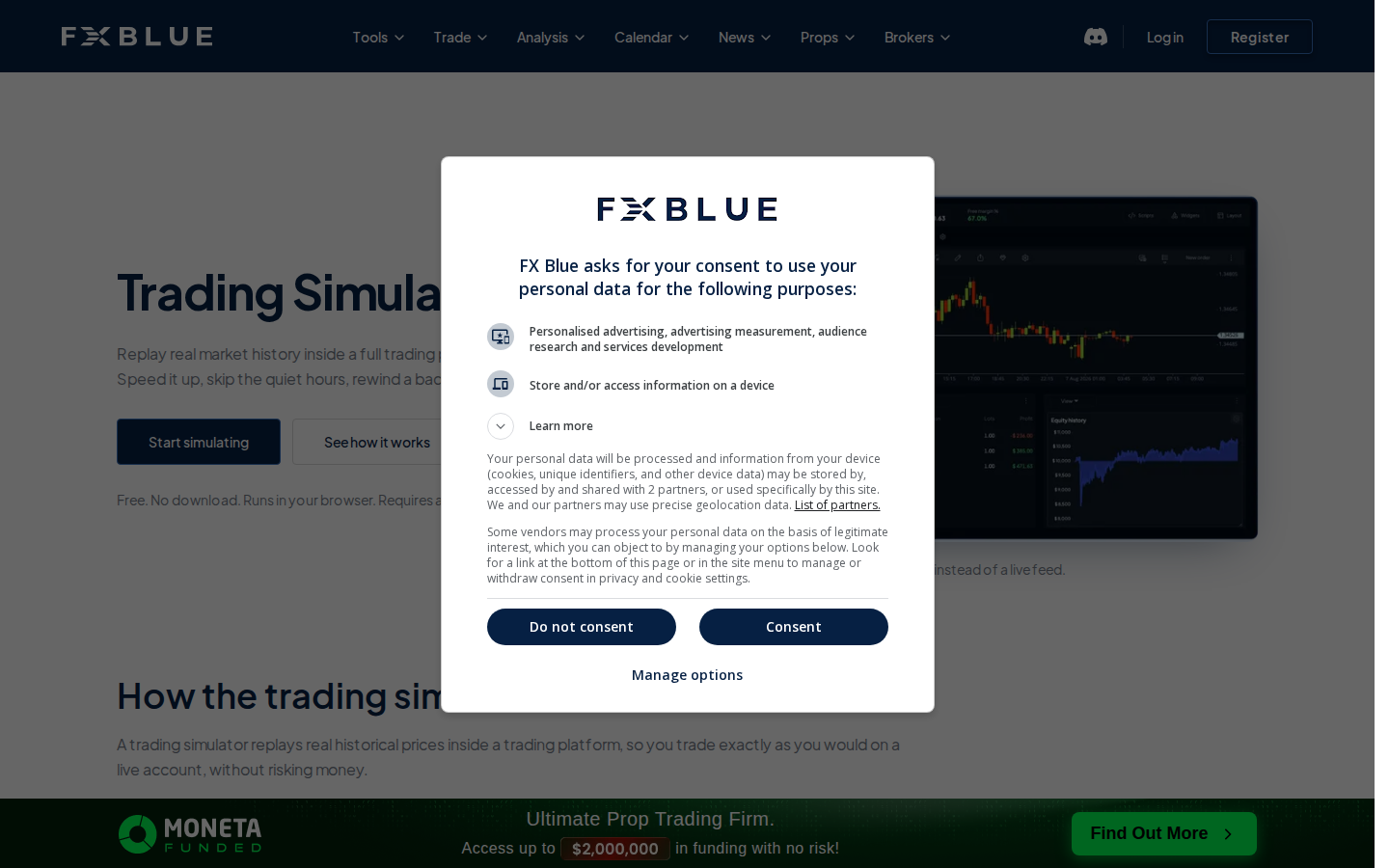
The current browser simulator supports historical practice without a software download. It is a different workflow from the older MetaTrader plugin. Traders should compare available markets, data and simulation controls before choosing. The desktop plugin is a separate option: it runs inside MetaTrader's tester rather than the web browser.
FX Blue Trade Copier MT4 — Personal Trade Copier
Sender and receiver tools copy positions between compatible MT4/MT5 installations on the same computer. Lot mapping, symbol conventions, hedging/netting behavior and broker execution must be validated on demo before use. The FX Blue Trade Mirror operates across the internet, whereas the Personal Trade Copier runs between terminal installations on one computer. FX Blue copy trading tools need a separate demo safety check for each account. For an FX Blue trade copier MT5 setup, first configure a demo receiver and verify symbol mapping between brokers.
FX Blue MyTrader and market utilities
The vendor describes browser-based MyTrader, market information, indicators, dashboards and related applications. Some features support planning or paper trading rather than reviewing a broker record.
✅ Pros & Cons of FX Blue
Pros
- Free account reporting with detailed metrics
- Official documentation explains historical equity limitations
- Supports more than one major broker platform
- Optional tools for historical practice and trade copying
- Report widgets and export possibilities
Cons
- Public publishing needs privacy review
- Historic equity and floating P/L are estimates
- Different FX Blue tools can be confusing to new users
- MetaTrader copier setups require careful risk mapping
- A simulated result cannot validate live profitability
👾 Limitations & Reality Check
FX Blue cannot make a partial or interrupted broker history complete. A public performance page is not an independent audit, and historic floating equity is reconstructed from market data. The FX Blue trade copier may send real orders, with real execution and operational risks. Platform support, symbol names, VPS availability and regional broker rules can change. US readers should verify broker and market eligibility before using live-order tools.
💰 Pricing Plans & Real Costs
The current FX Blue registration page advertises free account access and free tools. FX Blue Live is also explicitly described as free by the vendor. We therefore do not invent a Standard, Pro, or Enterprise subscription tier for FX Blue Live. If a partner broker offers a separately packaged toolkit, the broker's commercial conditions should be checked independently; that does not create an official consumer price for the Live service where the vendor does not publish one.
A zero-dollar license can still lead to expensive operating mistakes. An unattended automated copier with incorrect volume mapping can produce losses much larger than the cost of a trading journal subscription. Account-sync convenience can encourage traders to publish more information than intended. A simulator run on a narrow or unsuitable historical sample can create false confidence. The economic comparison should include time, operational effort, compatibility, privacy and foreseeable error costs, not merely whether the download button says Free.
Broker eligibility and product access vary by region. Confirm local rules before using live-order tools.
| Plan | Cost / billing model | Region / billing period | Vendor source checked |
| FX Blue Live reporting | Free (vendor-advertised) | US reference; No monthly subscription advertised | https://www.fxblue.com/live (2026-11-21) |
| FX Blue browser Trading Simulator | Free with FX Blue registration | US reference; No paid term advertised | https://www.fxblue.com/trading-simulator (2026-11-21) |
| FX Blue Personal Trade Copier | Free registered download | US reference; No paid term advertised | https://www.fxblue.com/tools-for-download?tab=trade-copying (2026-11-21) |
| MT4/MT5 downloadable simulator | Free download with registration | US reference; No paid term advertised | https://www.fxblue.com/tools-for-download/fx-blue-trading-simulator (2026-11-21) |
🎯 Who Should Use FX Blue?
FX Blue is worth considering for forex traders who want to audit their transaction history rather than relying on screenshots. Traders practising disciplined entry and exit rules may prefer historical simulation. Those running several self-managed MetaTrader terminals can research copying tools, but should use demo accounts to test sizing and execution handling. A trading journal requiring discretionary notes or a multi-asset dashboard may be better served by a dedicated journaling product. FX Blue software availability does not imply that a specific CFD instrument or leverage regime is legal in every jurisdiction.
⚖️ FX Blue Alternatives
A fair FX Blue review compares jobs rather than treating each platform as a direct substitute. Myfxbook overlaps most obviously with account-publication and forex analytics. TraderSync emphasizes trade journaling, reviews, tagging and a wider personal performance workflow. FX Replay competes for the time and budget of a trader who wants to practise historical sessions rather than publish live accounts. A broker statement is the closest baseline for reconciliation, even when it lacks the visualization of a specialized service.
Myfxbook vs FX Blue
Myfxbook overlaps most directly with forex account reporting and publicly shared performance statistics. Compare the data connection, privacy settings, imports and the exact definitions behind each ratio rather than assuming identical track records. An FX Blue vs Myfxbook comparison should also consider how each provider reconstructs floating account equity.
TraderSync vs FX Blue
TraderSync emphasizes post-trade review and behavioral journaling. It can make more sense when the missing function is tagging decisions, recording mistakes or reviewing setups rather than publishing a broker's results.
FX Replay vs FX Blue
FX Replay focuses on market replay and historical practice. Choose between it and FX Blue's browser or MetaTrader simulators based on market coverage, workflow and the fidelity of the scenario you need to practise.
Comparison: FX Blue vs Alternatives
For account analytics, the closest alternative is Myfxbook. For journaling, TraderSync; for deliberate replay, FX Replay. Broker statements remain essential originals and should not be replaced by any visualization layer.
| Consideration | FX Blue | Alternatives |
| Primary role | FX Blue Live reporting, simulation, copying | Myfxbook: reports; TraderSync: journal; FX Replay: replay |
| Entry-level price | Core reports and named tools advertised free | Competitor costs vary by plan and term |
| Account source | Supported broker/publisher history | Native imports, journal entry or historical simulation |
| Data limitations | Historic equity approximate | Each vendor has different data and evaluation assumptions |
| Copying real orders | Optional MetaTrader copier tools | Not the primary purpose of journal/replay products |
| Best evaluation | Compare report against broker statement | Trial a precise user workflow without a profitability claim |
| MT4 trade copying | Local MT4 sender and receiver; validate lot sizing and symbols on demo | Journaling products do not execute trade-copy orders |
| MT5 desktop simulation | MT5 desktop practice plugin, separate from browser simulator | FX Replay is a separate historical chart replay tool |
📊 FX Blue Live: Balance, Equity and Trading Statistics
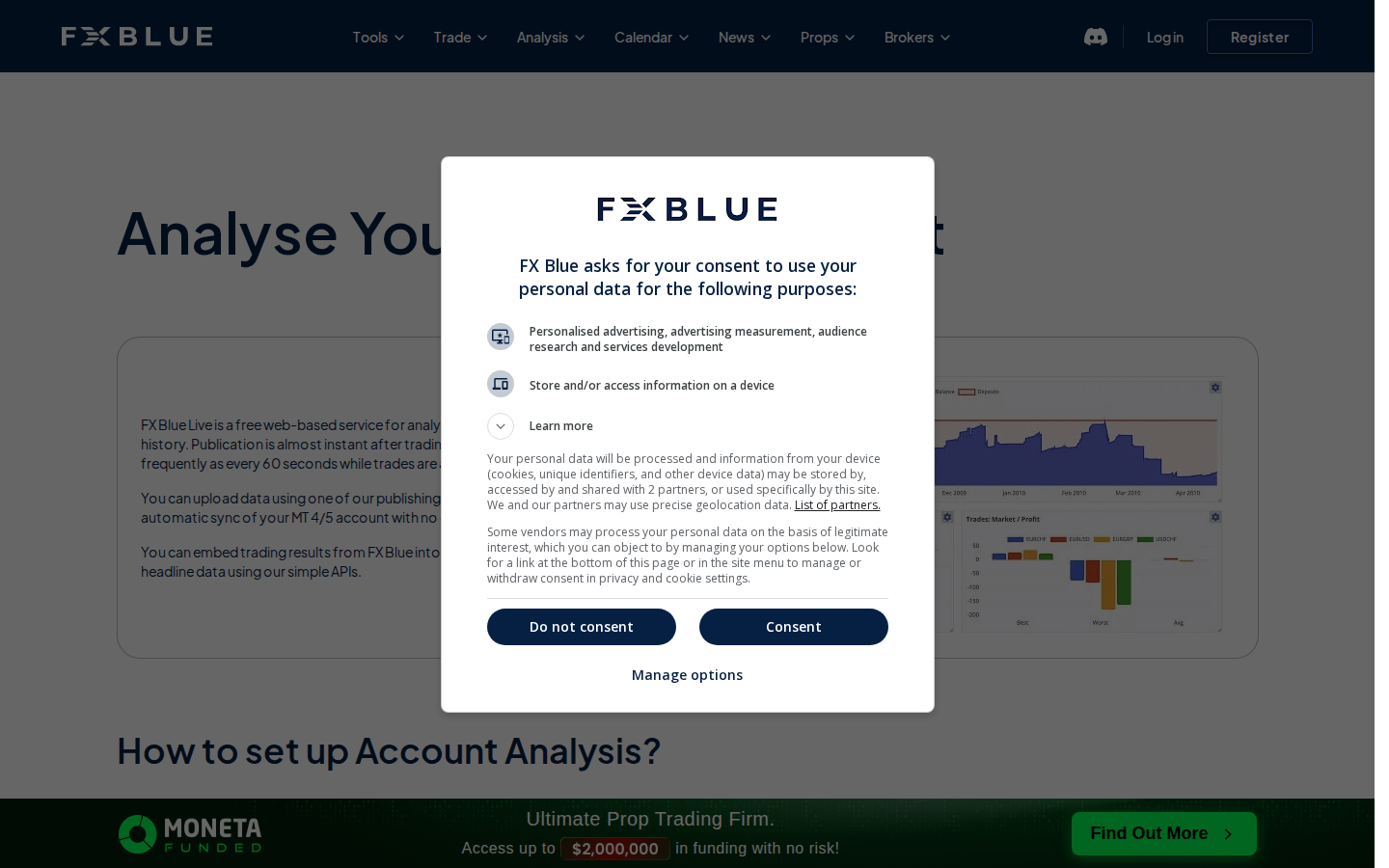
The clearest reason to use FX Blue Live is to look beyond a single number on a trading app. The vendor's example pages show sections for overview, analysis, statistics, risk, widgets and account reporting. A performance page can combine a running balance curve, individual orders, symbol summaries, trade durations and drawdown information. This is helpful for asking what kind of trades drove the result. For example, a strategy may produce a positive net total while one instrument accounts for most of the losses, or the largest winner may explain a disproportionate part of the final balance.
The distinction between balance and equity is fundamental. Balance normally reflects closed results and cash flows; equity includes unrealized positions. A curve based only on closed trades can conceal the size and length of floating losses. However, an equity estimate reconstructed after the fact is not a perfect replay of what the broker actually recorded every second. FX Blue explicitly warns that historic floating profit and historic equity are approximate because those figures are reconstructed using historical market prices. Its FAQ also says it does not provide a calculation of historic margin usage. That transparency is valuable: the report should be interpreted as analysis, not as a broker-certified time machine.
A third distinction is between account return and cash movement. Deposits increase the displayed balance even when trading has generated no gain. Withdrawals can make the nominal balance decline even when a trading strategy has been profitable. Before evaluating a public FX Blue Live account, inspect whether reported growth is adjusted for deposits and withdrawals and how the presentation handles changes in account size. If the history has gaps, comparing the first and last balances without cash-flow reconciliation produces a misleading conclusion.
🔄 Connecting Supported Accounts Without Misreading History
A prospective user can publish account activity through a supported publisher application or, for eligible configurations, account sync. FX Blue describes a downloadable EA route for MT4/MT5 that sends updates while it is running. On the current FX Blue Live page, the vendor says publication can update as often as once per minute during active trading. Account sync is designed for convenience: for eligible accounts, the collection happens without installing the publisher in the user's platform. However, the vendor describes downloadable publishing as faster and more flexible. Do not promise minute-by-minute updates from every connection type.
A cautious setup checklist: First, identify the precise broker platform and server; names that look similar can refer to different environments. Second, decide whether to publish a demo account or a live account and verify that its records are the intended records. Third, read the publisher or sync instructions for that platform. Fourth, check whether the trade list and start-date filters match the period you plan to study. Fifth, inspect the resulting history against the original broker statement, including deposits, withdrawals, open positions and the oldest available transactions. Only then consider sharing the page.
🔒 FX Blue Live Privacy and Permissions
One of the most consequential facts in the official FX Blue FAQ is that published trading results are public by default. That default is not appropriate for everyone. A performance page may reveal account activity, instruments, timing patterns and other information the owner did not intend to distribute. Before publishing a live account, read the current privacy options and decide exactly what a visitor may see. The vendor documents options to restrict access and to hide the individual order list while retaining statistics. Test these controls while signed out or through another permitted browser context rather than assuming a setting has taken effect.
The FX Blue Live report is not the same thing as granting trade execution. Analytics publishing may be possible through read-only account access or a dedicated publisher path, while MyTrader connectors and trade-copying EAs can involve broader permissions. Never share a live trading password simply because an unaffiliated website, chat account or “support assistant” requests it. The vendor's account-sync documentation includes specific instructions and warnings; use only the authenticated official flow and do not provide a trading-capable credential for a read-only purpose.
🧪 FX Blue Trading Simulator: Practice Versus Live Validation
The FX Blue Trading Simulator is designed for practising discretionary trading with historical price data inside MetaTrader's strategy-testing environment. The official documentation describes a Trading Simulator MT5 edition and an MT4 edition. The MT4 v3 feature list includes multiple timeframes, smart lines and keyboard shortcuts. The vendor also describes placing market and pending orders, changing stops from a chart, saving order templates and closing positions in the simulator. These controls help a trader rehearse a rule instead of simply looking at a finished historical chart.
Simulation is especially useful for identifying whether a method can be described in advance. For example, a trader testing a retest setup can define the higher-timeframe condition, mark a decision point, record the intended entry and stop, then advance through unseen candles. The outcome is not a valid test if the trader repeatedly changes the rule after seeing what happens next. A good session retains both taken and rejected opportunities and notes whether spread assumptions or entry timing affected the result.
It is important not to combine simulator statistics with live account statistics in one marketing claim. Historical price data, simulated fills and a replay interface do not reproduce every detail of broker execution. The quality and extent of the data also depend on the environment. FX Blue's official documentation describes a learning and research tool; it does not promise that a profitable simulated strategy will remain profitable in live markets. A realistic review should encourage users to compare assumptions and observe where the model is optimistic.
🔁 Personal Trade Copier or Internet Trade Mirror?
The FX Blue Personal Trade Copier and Internet Trade Mirror sound similar but involve different network assumptions. According to the official apps page, the Personal Trade Copier is designed to duplicate activity between MT4/MT5 installations on the same computer. Internet Trade Mirror copies orders across the internet between separate installations and accounts. Both can alter how order sizes are mapped, and the remote service uses sender/receiver roles. These are the vendor copy trading utilities, not analytics-only features.
That separation has practical consequences. If a trader controls two terminal installations locally, the FX Blue Personal Trade Copier may be the simpler conceptual match. If two people or machines are involved, a remote mirror may be relevant, but it also increases reliance on network connections, subscriber configuration and risk controls. The vendor's Internet Trade Mirror documentation makes clear that senders can select what activity is distributed and receivers control what is accepted and how size is handled. The two configurations should be tested in demo conditions before being trusted with live orders.
Do not treat mirrored orders as guaranteed identical outcomes. Brokers may use different symbol suffixes, lot steps, quote feeds, minimum stop distances and execution rules. A copier can receive a signal while the market has moved or while a broker rejects a particular instruction. Even if the direction matches, the price, position size and final profit can differ. A sensible operational checklist includes maximum position size, duplicate-order handling, stop and take-profit mapping, disconnection procedures and a way to reconcile the receiver's actual filled orders with the sender's record.
🧰 MyTrader, Sentiment and Workflow Fit
MyTrader broadens the vendor's scope. The current website promotes a browser and mobile environment, a MyTrader Connector EA for linking certain MT4/MT5 accounts, and a suite of tools covering charts, calculators, sentiment and other market data. The promotional site also describes AI-assisted creation of indicators and widgets. Those features are distinct from FX Blue Live's historical account reporting. A reader should decide whether the goal is to analyze past trades, practise in a simulated environment or actively interact with an account before selecting a tool.
FX Blue trader sentiment can be informative as a measure of how a particular sample of traders is positioned, but it is not an official measurement of the entire forex market. The sample changes with the participating users and platforms. Likewise, a currency-strength view, correlation matrix or technical indicator is a transformation of selected price data, not evidence that a future direction is assured. Review the feed, timeframe, lag and aggregation rules. The best tool is the one whose inputs and limitations are understandable enough to fit a documented process.
🧪 How We Evaluated FX Blue
We prepared this FX Blue review from primary official vendor pages, the help center and genuine screenshots of publicly viewable webpages. We did not register a broker account, authenticate to a private trading dashboard, install a copier, run a simulator session or measure trade execution. Vendor performance and accuracy claims are treated as unverified where a controlled test was unavailable. Prices are vendor-advertised US references and do not include broker, VPS or execution costs.
Method: documentation-based analysis of published vendor sources; no independent product access or benchmark is claimed.
🏆 Final Verdict: FX Blue Review
For the correct job, FX Blue deserves a place on a forex trader's research shortlist. Free account reporting can provide more context than a screenshot, and the official FAQ is unusually direct about limitations such as reconstructed equity and incomplete histories. The broader family of simulators, copiers and MyTrader utilities makes the product useful in several distinct workflows. Those are reasons to evaluate the tools, not reasons to install everything.
We recommend an evidence-first adoption sequence: preserve your broker statement; choose an analysis, simulation or copying task; read the matching official documentation; start with a demo or non-execution workflow; reconcile the output; and decide whether the software actually improves decisions. For most beginners, the least risky starting point is learning to read a full account report or practising historical setups, not linking multiple live accounts through a copier.
The strongest limitation is interpretive. A public performance report is not an audited investment result; a historical simulator is not a forward test; a free automated copier is not a safety system. Traders who understand those boundaries may get substantial value from the vendor without adding another subscription. Those who need intensive discretionary journaling or specialized market-data feeds should compare alternatives rather than force the vendor into a workflow it was not designed to serve.

Frequently Asked Questions
Is FX Blue free in 2026?
The vendor currently describes FX Blue Live as free and says registration grants access to its tools without a subscription charge. Check the official account and tool page for any future changes. Broker commissions, spreads, data requirements and VPS hosting can still cost money.
What is FX Blue Live used for?
FX Blue Live publishes and analyzes trading-account history. It is suited to studying transactions, equity and balance presentations, drawdown, symbol breakdowns and risk statistics. It is not a broker and does not promise that historical profitability will continue.
Does FX Blue support MetaTrader 5?
Yes. The official site documents MT5 publishing and several MT5-compatible tools, including the Trading Simulator. Setup depends on whether you want account analysis, copying or simulation; these are separate products.
Can FX Blue work with cTrader?
The vendor lists cTrader among supported trade-history publication platforms. Connection methods vary, so consult the current official FAQ and the specific publisher or account-sync instructions for your broker before assuming a particular setup is supported.
Are FX Blue results private by default?
No. The vendor says published trading results are public by default and offers controls such as protecting access or hiding the order list. Before sharing a live account, test the selected privacy settings from a signed-out browser or another authorized viewing context.
Can I use FX Blue without connecting a live broker account?
Yes. FX Blue offers free demo challenges and a trading simulator, and registration is possible without publishing live trading history. Availability of individual tools and requirements should be checked against the vendor’s current pages.
Is historic equity on FX Blue exact?
No. The official FAQ explains that historic floating profit and equity are reconstructed using historical price data and therefore are approximations. Do not treat the resulting equity line as a timestamp-perfect broker record.
Is the FX Blue Personal Trade Copier the same as Internet Trade Mirror?
No. The Personal Trade Copier is intended for copying between local MT4/MT5 installations, while Internet Trade Mirror handles remote sender and receiver connections. Both require risk controls and demo testing because actual executions can differ.
Can FX Blue Trading Simulator prove a profitable strategy?
No. It is a practice and research tool using historical prices within MetaTrader’s tester. The result depends on data quality, setup rules and simulated execution assumptions. It does not establish live profitability or future returns.
What are the best FX Blue alternatives?
Myfxbook is a relevant comparator for forex account reporting; TraderSync is useful to investigate for trade-journal workflows; FX Replay emphasizes historical replay. A broker statement remains an essential primary record for reconciling actual transactions.
Is FX Blue suitable for US traders?
Its software can be researched by US readers, but broker support and permitted instruments vary by account and jurisdiction. Do not assume that every CFD instrument, platform integration or leverage arrangement is available in the United States. Verify the broker and applicable rules before using live-order tools.
EXPLORE NEXT ON DIGIOFFLY
🔍 Explore More on DigiOffly
Myfxbook review
Compare connected forex account statistics and documented strategy-verification checks.
Read Myfxbook reviewPrimary sources and verification dates
- FX Blue official website — verified 2026-11-21
- FX Blue Live account analytics — verified 2026-11-21
- FX Blue Live FAQs and privacy controls — verified 2026-11-21
- FX Blue browser-based Trading Simulator — verified 2026-11-21
- FX Blue downloadable MT4/MT5 Trading Simulator — verified 2026-11-21
- FX Blue trade copying tools — verified 2026-11-21
- FX Blue official registration — verified 2026-11-21
- FX Blue MyTrader platform — verified 2026-11-21
- FX Blue sample trading history report — verified 2026-11-21