

Pricing and offers checked October 27, 2026. Public documentation review; no private installation benchmark. Current PrestaShop offers; Enterprise terms. Currency amounts are vendor examples excluding VAT.
A free e-commerce download can be the start of a highly customized retail operation—or the beginning of an underestimated maintenance budget. PrestaShop deserves consideration because the underlying commerce application is open source, but the buying decision now spans self-hosted Classic, a paid Hosted offer and Enterprise infrastructure. This review examines where each fits, the real obligations behind code ownership and which alternatives make sense for teams with different capabilities.
📊 PrestaShop Review 2026: Summary
Verdict: A credible open-source commerce option for teams that need control over catalogs, integrations, localization and deployment. Classic software has no download fee, but infrastructure, modules and ongoing maintenance are not free. Hosted simplifies setup; Enterprise is priced for substantially larger operations.
🏆 EDITORIAL FIT: CUSTOMIZABLE COMMERCE INFRASTRUCTURE
Best for: merchants and agencies that value access to code and customization, and can allocate responsibility for maintenance, security and integration testing.
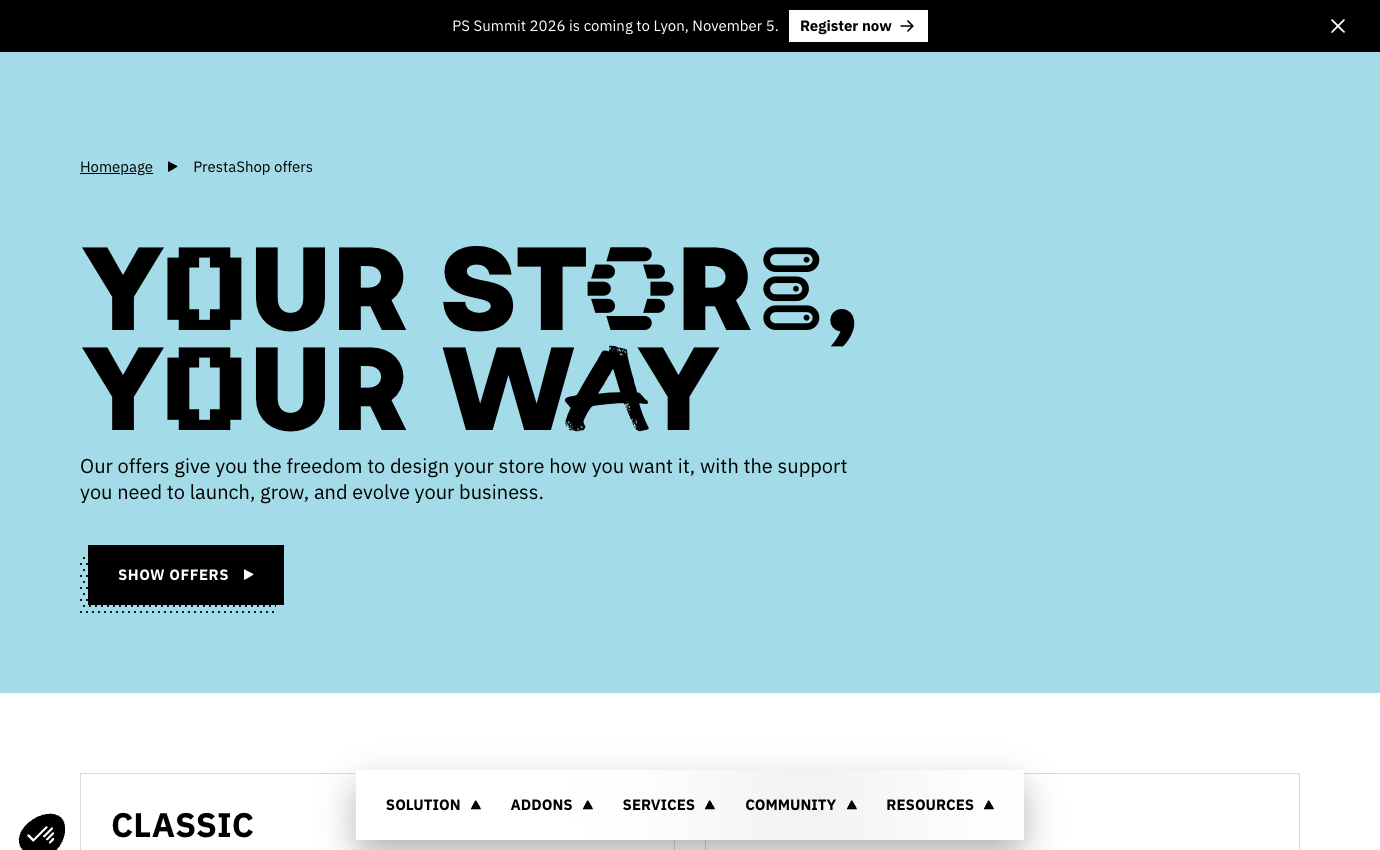
| Offer | Published starting price | Operating model |
|---|---|---|
| Classic | Free download | Self-hosted; domain, hosting, modules and support extra |
| Hosted | €24/mo excluding VAT annual basis; €29/mo monthly | Installation, hosting and support included in listed package |
| Enterprise | From €2,115/mo excluding taxes, 24-month commitment | Higher-scale PaaS with separately specified capacity and terms |
⚡ Quick Verdict: Is PrestaShop Worth It in 2026?
Yes for merchants who are prepared to own a customized commerce system, or who select Hosted after verifying its deployment terms. No if ‘free download’ is being mistaken for free operations. Technical responsibility, module compatibility, support coverage and payment integrations should be costed before comparing with managed Shopify or BigCommerce subscriptions.
| Strengths | Constraints |
|---|---|
| Open-source Classic with deep customization opportunities | Security, hosting and updates require active ownership |
| Large range of themes, modules and integrations | Extension licensing and compatibility costs |
| Commerce-focused catalog and localization options | Complex migrations and testing can need developer expertise |
| Hosted and Enterprise paths | Different product versions, support limits and contract economics |
🛒 PrestaShop as an E-commerce Architecture Choice
PrestaShop is an open-source commerce application that gives a merchant substantial control over store code, themes, catalog structure and integration choices. That freedom is valuable for companies whose checkout, languages, tax workflows or business-to-business requirements do not fit neatly into a hosted store builder. But freedom arrives with operational responsibility. Someone must maintain infrastructure, select trustworthy modules, keep the application compatible with its PHP environment and diagnose problems after updates.
The decision turns on real ownership: which system components you control, and which maintenance and support duties your team will accept. We separate the freely downloadable Classic software from the hosted subscription and the newer enterprise offering. These are different commercial and operational arrangements rather than three cosmetic price tiers. For a small merchant planning a simple store, the distinction may decide whether it needs an agency. For an established retailer with an internal engineering team, code ownership can be the central reason to choose PrestaShop.
Start with the actual store requirements: catalog size, supported currencies, translated content, country-specific payments, tax invoices, warehouse integration and the people available to maintain these systems. The mere ability to install unlimited add-ons is not proof that a stack will remain stable. Every extension adds a dependency, a maintenance schedule and sometimes a recurring license.
💰 PrestaShop Classic vs Hosted: Pricing and Enterprise Options
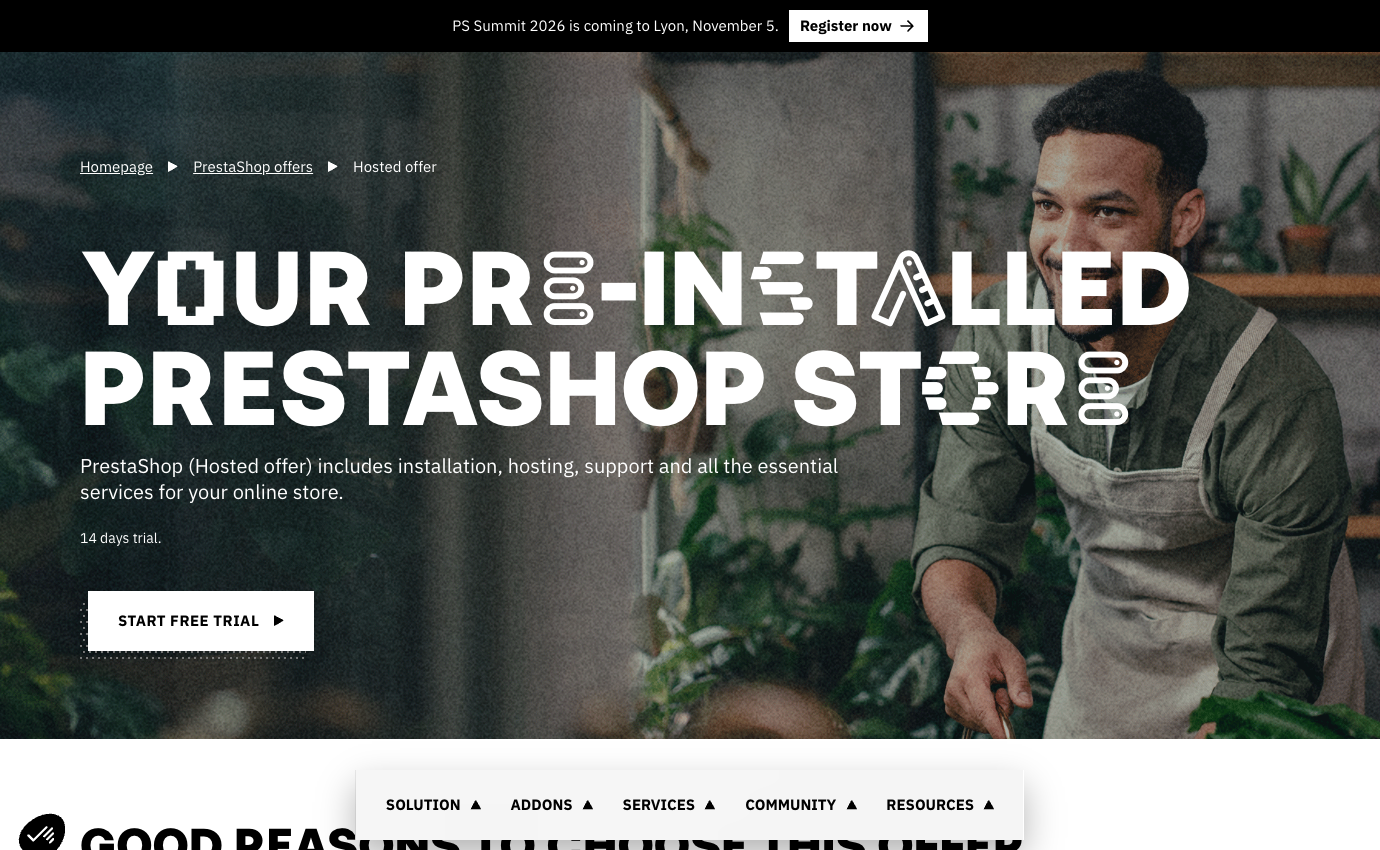
PrestaShop Classic pricing begins with a free software download. A real operating budget still needs hosting, a domain, commercial modules, design work, routine support and payment-processing charges. The vendor’s current offers page says Classic uses PrestaShop 9 and is self-hosted. The company also markets Hosted, which includes installation, hosting and support with published pricing from €24 excluding VAT per month on annual payment or €29 excluding VAT on a monthly, no-commitment basis. These are distinct cost structures.
The Hosted offer is described by the vendor as including 50 GB hosting through Gandi, a 14-day free trial, payment integrations, legal-assistance tools and support six days a week. Some supporting materials identify Hosted as based on PrestaShop 8 even while Classic uses version 9. Anyone choosing Hosted because they want to deploy a particular version-9 module should verify version and compatibility rather than assuming both offers use the same software release.
The Enterprise offer is a separate platform-as-a-service proposition for higher-scale merchants. The official enterprise page shows a starting price of €2,115 per month excluding taxes based on a 24-month commitment, with additional traffic-related terms and infrastructure features. It is not a practical substitute for the free Classic download when pricing a modest family store. An enterprise contract demands bespoke evaluation of traffic, integrations, support and exit conditions.
The word ‘free’ describes the software license, not the complete operating cost. Open-source software can reduce license dependence and enable deep customization, but a secure production store still needs people and infrastructure. Compare the entire first-year and second-year ownership model against a managed option, not a zero-euro download price.
🧮 Modeling the Real Cost of a Classic Store
Consider a hypothetical merchant building a regional accessories store on Classic. The software download itself may have no license price, but the business must budget for managed hosting or server administration, domain registration, backups, staging, security monitoring, an appropriate theme, module licenses, payment processing and periodic development. If no team member can safely recover a failed update, an external maintenance retainer should be included from the outset.
Development expenditure can dominate the first year. A retailer seeking tailored product configurators, local courier integration and custom ERP synchronization is not buying a theme; it is implementing commerce workflows. Even with excellent open-source software, requirements discovery, testing and deployment absorb time. A proposal should itemize one-off implementation, recurring subscriptions, version-upgrade support and incident response separately.
To understand PrestaShop total cost of ownership, budget separately for launch, twelve months of trading and a major version upgrade. Avoid treating the cheapest VPS price as a fully supported hosting quote. Include realistic traffic assumptions, image storage, database performance and recovery expectations. An untested backup can make a self-hosted store much more expensive than expected if the checkout goes down during a busy sales period.
| Ownership item | Classic model | What to budget |
|---|---|---|
| Hosting and domain | Merchant-selected provider | Uptime, backups and annual renewals |
| Modules and theme | Free or commercial | Licenses, support and update compatibility |
| Development | Merchant or agency owned | Custom features, staging, tests and migrations |
| Operations | Merchant responsibility | Patching, incident response, reconciliation |
☁️ Hosted PrestaShop: What You Gain and Give Up
Hosted targets merchants who want the familiar PrestaShop ecosystem without arranging their own initial hosting and installation. The published offer includes a store pre-installed on partner infrastructure, support and preconfigured services. This can reduce the complexity of the first launch, especially for a merchant who knows its catalog but does not want to maintain web-server packages. However, a subscription does not remove every operational task: product data, customer support, fulfillment and commercial compliance still belong to the business.
A practical PrestaShop Hosted review should ask which technical tasks the subscription really covers and whether the provider’s hosting and extension rules permit the customization the merchant needs. Determine the exact application version, module installation rules, backup access, available server settings, support hours and what happens if a custom extension breaks the checkout. The vendor advertises flexibility, but any managed hosting environment has boundaries that require confirmation.
One further issue is migration. If a brand eventually needs its own infrastructure, ask how the source files, database, media, configuration and records will be exported. The fact that a service is built around open-source software is a positive starting point, not proof that a move can be performed without downtime or compatibility work. Plan exit and rollback steps before a large catalog becomes dependent on the instance.
🧩 PrestaShop 9 and Version Compatibility
🧩 Compatibility worksheet for a Classic-to-Hosted decision
Before buying a theme or an ERP connector, the merchant should ask the developer to list the exact PrestaShop release and PHP environment against which it was tested. Build a four-column compatibility worksheet for the payment module, shipping-label tool, theme overrides and customer-identity integration: installed version, vendor-supported PrestaShop version, required PHP range and available rollback. A module that works on an existing version-8 installation cannot be assumed to behave identically on a new Classic version-9 installation. Conversely, the vendor’s published Hosted-version notes are a dated product description, not a guarantee that every newly provisioned Hosted store still uses the same release. Confirm the actual installation version with PrestaShop before any purchase.
Run the migration rehearsal in staging using sample orders that include a coupon, a translated product, a shipping restriction and a partial refund. Reconcile order totals before and after the change, check that transactional emails are sent once, and use a restore-from-backup exercise to measure how quickly the store can return to its previous state. These are recommended tests, not results from a production installation conducted by DigiOffly. For a complex catalog, include the agency’s test time and the expected downtime in the implementation quote rather than accepting a fixed fee that covers only the initial software deployment.
PrestaShop’s official help center identifies version 9 as a June 2025 release with substantial changes involving Symfony 6.4, newer PHP compatibility, an admin API and a new theme. Those are meaningful for developers and integrators. They also mean merchants should inspect whether essential existing modules and themes support the version they intend to install. A software release being newer does not guarantee that every commercial add-on has been certified against it.
An effective PrestaShop 9 upgrade plan begins with an inventory of modules, theme customizations and integration code. Test on a copy of production using realistic orders and supported data, not a tiny fresh demo catalog. Exercise payments, tax calculation, shipping labels, refunds, email templates and customer login. Where a vendor recommends professional assistance for complex migrations, budget for it rather than assuming automatic updating will cover every local change.
The platform also provides update-assistance tooling, but the presence of that utility should not replace backups and rollback practice. Agree on a maintenance window, define acceptable checkout interruption and verify whether financial records remain complete after the upgrade. A merchant that cannot afford several hours of interrupted orders should take staging and disaster recovery particularly seriously.
🎨 Themes, Modules and the PrestaShop Marketplace
Its extensions marketplace includes themes and modules for storefront design, payments, marketing, shipping and regional requirements. This extensibility is a major reason developers consider the platform. It can also become the source of recurring costs and compatibility issues. A payment module, advanced filtering plugin and shipping bridge may each come from different maintainers with their own support terms.
Build an extension register before buying. For every module, record its business purpose, license renewal, version compatibility, developer support, access permissions and consequences if it stops working. Prioritize a small number of well-maintained extensions over a stack assembled from overlapping features. When budgeting for PrestaShop modules cost, separate initial setup and developer work from recurring licenses, technical support and version-upgrade expenses.
Theme choices should serve the catalog, not just visual taste. A technical-parts retailer requires precise filtering and part compatibility information; a fashion brand may emphasize imagery, variation swatches and return conditions. Avoid changing template files directly where a maintainable override or extension pathway exists. Document each customization so another developer can reproduce it after a major update.
🌍 International Commerce, Languages and Localization
International retailers often shortlist the software because it can support localized storefronts. The ability to translate a storefront is useful, but international selling involves more than presenting another language. Different markets can require currencies, tax calculations, product descriptions, payment methods, invoicing, shipping restrictions and consumer-rights information. A localized catalog that produces incorrect delivery promises is not a successful international store.
For PrestaShop multilingual ecommerce, decide whether content is genuinely translated and maintained or merely machine-generated at scale. Product attributes, size guides and legal notices need especially careful review. An architecture supporting multiple languages also needs stable locale-specific URLs, hreflang where appropriate, correct internal linking and a process for updating shared product information without inconsistencies.
Payment-provider coverage should be validated country by country. PrestaShop offers integrations, including PrestaShop Checkout, but available acquiring terms, payout country, chargeback rules and supported instruments vary. Do not infer that every payment method shown in marketing graphics is available to every legal entity. Run test orders for the markets that contribute meaningful projected revenue.
💳 Payments and Checkout Architecture
Checkout is where a store’s legal, financial and technical requirements converge. A merchant using PrestaShop should identify the selected gateway, the customer-facing payment flow, where sensitive payment data is handled, how 3-D Secure or local authentication is supported, and whether an order transitions cleanly through paid, failed, pending and refunded statuses. PrestaShop Checkout is one advertised path; alternative modules may be appropriate depending on country.
The safest way to verify a PrestaShop payment gateway setup is through an approved sandbox, including a declined transaction, an authorized refund and an order-status update. Verify that a failed payment does not create a completed order, that an authorized refund updates the correct transaction and that duplicate webhook events do not send goods twice. These are implementation concerns rather than claims of a defect in PrestaShop. The more customized the checkout, the more explicit the acceptance tests should be.
Reconciliation deserves equal attention. Finance teams need to match gross orders, discounts, tax, shipping, payment fees, refunds and net settlements. A visually attractive dashboard is not sufficient if an accountant cannot reproduce expected totals for the prior month. Export a sample reporting period before launching. The precise integration may determine whether bespoke data mapping is required.
📦 Catalog Size, Filters and Product Data
A carefully maintained installation can handle substantial product catalogs, but raw row count is not a useful measure of merchant experience. A demanding catalog includes variants, translated names, attribute filters, images, cross-sells and real-time stock from multiple sources. Database indexes, caching and module behavior can determine whether category pages remain usable at scale. Clean product data and a restrained extension list make a production store easier to test, document and upgrade.
Plan attribute taxonomy before uploading thousands of SKUs. A footwear retailer might filter by size, width, material and stock location. An electronics reseller may require compatibility by device model. A PrestaShop product catalog with inconsistent attributes can make search useless even if hosting is powerful. Create a small representative data sample and test filters, variant selection and export quality.
Importing supplier data also carries quality and SEO implications. Duplicated descriptions, missing alt text, broken product URLs and inconsistent availability information undermine the shopping experience. Adopt an explicit source of truth, a review process for automated feeds and a rollback plan if import scripts produce widespread errors.
🔎 PrestaShop SEO and Technical Performance
Open-source control can be valuable for technical SEO because development teams can inspect templates, rendering and performance behavior. That does not mean a new PrestaShop store automatically ranks well. Page speed depends on hosting and front-end implementation; indexability depends on URLs, canonical logic, translations and product availability; editorial competitiveness depends on useful content and trust signals.
An effective PrestaShop SEO setup needs readable category pages, clear rules for filtered URLs, accurate redirects, valid product data and safeguards against duplicate translated pages. When migrating from another platform, preserve strong URL paths where possible. If URLs change, create one-to-one redirects and validate them after cutover. Do not alter successful slugs merely because a new CMS suggests a different default format.
Performance requires evidence under real conditions. A homepage benchmark with an empty cart does not reveal checkout latency under peak traffic. Measure representative category pages, complex product configurations and authenticated purchase flows. Keep image dimensions appropriate, limit blocking scripts and test module effects one at a time. We do not present invented Lighthouse scores or claims of speed improvements without a documented environment.
🛡️ Security, Backups and Maintenance
A self-hosted online store handles customer accounts, addresses, orders and payment-related events. Even when card details are processed by a gateway, the store remains a sensitive system. Self-hosted Classic operators must maintain supported runtime versions, timely security patches, credential protection, permission separation, backups and monitoring. Outsourcing hosting alone does not automatically allocate every security task to the provider.
A useful PrestaShop security checklist starts with restoring a real shop backup, then covers staging, Back Office permissions, supported authentication options, module review and incident contacts. A copy of the database that nobody has restored is not a demonstrated recovery capability. Practice restoring to a nonproduction environment and verify that order records, product media and configuration remain consistent.
Hosted plans can shift some infrastructure work to a service provider, but merchants still need to know who is responsible for extension vulnerabilities, data access, retention and account recovery. Ask for contractual support boundaries rather than relying on ‘fully managed’ marketing descriptions. Security is a continuous operating expense for either deployment model.
🚚 Shipping, Fulfillment and Inventory
Shipping is not one integration; it is a set of decisions about zones, rates, carrier availability, labeling, tracking and returns. Available modules can connect parts of this process, but the business must validate the workflows for its shipping country and product mix. Fragile items, oversized goods and international shipments may require different logic from ordinary parcels. A misquoted delivery cost can erase margin or force awkward customer conversations.
For PrestaShop shipping integration, define whether warehouse software or the store itself is the authoritative inventory system. Then test partial fulfillment, backorders, split shipments, cancellations and the reversal of stock reservations. When several services can update quantities, build audit logs to explain changes. A low-stock situation during a promotion is the wrong time to discover that systems disagree.
Returns are equally important. A customer expects a clear workflow and a reliable status update; finance needs refunds and tax adjustments to reconcile. Test a product exchange separately from a full refund. International operations should also consider customs documentation and carrier limitations, not just the website’s ability to display a destination country.
🏢 B2B, Agencies and Advanced Customization
One reason agencies choose open-source commerce is the ability to tailor integrations and workflows to clients with nonstandard needs. A wholesale distributor may require negotiated price lists, approval steps or ERP-linked stock. The open codebase and available integrations make such projects possible, but the exact feature set and custom development scope must be specified. Do not assume every advanced B2B capability comes installed in the free package.
For PrestaShop B2B ecommerce, examine account permissions, price visibility, tax-exempt treatment where legally appropriate, quote acceptance, purchasing roles and invoice data. These are business-process requirements with significant testing effort. A custom checkout that bypasses expected order states or fiscal rules can cause problems that only appear during reconciliation.
The potential advantage is independence: a skilled team can build necessary logic without waiting for a closed hosted platform to expose a new configuration option. The cost is ownership of that logic across upgrades. Agencies should deliver documentation, automated tests where practical, and clear intellectual-property arrangements so the merchant is not locked into one developer.
⚖️ PrestaShop vs WooCommerce
Both PrestaShop and WooCommerce provide open-source foundations, but their natural ecosystems differ. WooCommerce is closely integrated with WordPress and therefore attractive to content-heavy sites with existing WordPress expertise. PrestaShop is built as a dedicated commerce application. The distinction matters when choosing who will maintain the software, where customer content lives and what types of extensions or ERP integrations are available.
A PrestaShop vs WooCommerce comparison should be built around the store’s operations and team skills. An editorial brand with dozens of articles and a modest store may prefer WordPress continuity. A multi-language retailer with complex product attributes may find PrestaShop’s commerce-specific administration more aligned with its catalog, subject to actual testing. Neither platform guarantees performance or lower costs by default.
Budget for a comparable stack rather than contrasting the free download of one with the paid hosting of another. Include plugins, themes, payment gateways, development time, backup strategy, migrations and renewal licenses. Existing staff expertise can dominate nominal software pricing.
🔀 PrestaShop vs Shopify and BigCommerce
Shopify and BigCommerce are managed commerce products that reduce direct responsibility for maintaining the underlying application. PrestaShop Classic offers more code and infrastructure control with greater operational burden. If a retailer has one developer handling security, updates and integrations, the flexibility may be valuable. If a small merchant needs to launch quickly without technical staff, managed alternatives can remove a substantial category of risk.
For PrestaShop vs Shopify, the important issue is not which platform has more features on a marketing checklist. Ask which checkout modifications are essential, how app fees accumulate, how data can be exported and what happens when the store outgrows its initial architecture. A fully managed service may speed up ordinary operations but restrict low-level access. Open source allows deeper changes while placing ongoing responsibility on the team.
BigCommerce may deserve consideration when a business values managed infrastructure and particular catalog or payment capabilities. The Hosted offer provides a middle route, but its version and service boundaries still need verification. The decision should involve an implementation-level proof of concept, especially if payment methods, tax rules or ERP integration are complex.
| Platform | Core advantage | Main responsibility or trade-off |
|---|---|---|
| PrestaShop Classic | Code and hosting control | Merchant maintains infrastructure and integrations |
| PrestaShop Hosted | Managed setup in PrestaShop ecosystem | Confirm version, service boundaries and extensions |
| Shopify | Managed platform and app ecosystem | Platform constraints and ongoing app costs |
| BigCommerce | Managed commerce operations | Subscription, integration and workflow fit |
🎯 Three Deployment Scenarios for Merchants
Scenario one is a small European specialty retailer with 200 products, regional shipping and no in-house developer. It wants localization but cannot recover a server failure independently. Hosted could reduce initial technical work, while Shopify or another managed option deserves comparison. The retailer should not select Classic solely because the download is free; support and uptime responsibilities would still need funding.
Scenario two is a regional distributor with 18,000 SKUs, multiple warehouses and an existing ERP. It employs a development partner and needs custom stock rules plus localized storefronts. Classic may provide valuable flexibility, provided that the integration and maintenance scope is written down. This business should invest in load tests, partial-order scenarios and a release workflow before a major rollout.
Scenario three is a large merchant evaluating enterprise infrastructure under a formal service agreement. The published PrestaShop Enterprise starting price and commitment make it a different buying exercise. Legal, procurement, engineering and finance should jointly review traffic included, service levels, overage billing, customization and data portability. It should not be compared to €24 Hosted using the monthly subscription figure alone.
🧪 What We Verified and What Remains Untested
DigiOffly prepared this review from official PrestaShop offers, version documentation and published enterprise information checked October 27, 2026. Installation, performance tests, paid-module validation and individual payment quotations were outside the scope of this documentation-based analysis. Recommendations describe suitability and trade-offs, not firsthand performance proof.
Version differences deserve special attention. The current offers page identifies Classic with PrestaShop 9, while the Hosted documentation describes a deployment based on PrestaShop 8. Developers should confirm the current provisioned release and roadmap during sales discussions. Enterprise pricing is quoted from the vendor’s current page but may require different negotiated terms for a particular workload.
Use this article as a checklist for narrowing options. Before committing, request written quotes covering hosting, module licenses, integration work, support, backups, major upgrades and payment processing. The most economical store is the one your team can operate and maintain reliably, not necessarily the one with the smallest license price.

Frequently Asked Questions
Is PrestaShop free?
PrestaShop Classic can be downloaded free, but hosting, domain registration, modules, support and development are separate expenses. Hosted and Enterprise offers are paid.
How much does PrestaShop Hosted cost?
The official offers page lists from €24 per month excluding VAT with annual payment and €29 per month excluding VAT on the flexible monthly offer. Verify the current checkout and regional terms.
Does PrestaShop 9 work with every module?
No universal compatibility is guaranteed. Check each critical theme and module against your exact PrestaShop and PHP version, and test changes on staging before upgrade.
Is PrestaShop good for large catalogs?
It can support substantial catalogs when data, modules and infrastructure are designed appropriately. Performance and usability depend on implementation rather than a simple product-count claim.
Is PrestaShop better than Shopify?
PrestaShop Classic provides deeper self-hosted control, while Shopify manages more infrastructure. The best choice depends on development resources, customization, payments and total ownership cost.
Which is cheaper: PrestaShop or WooCommerce?
Both have open-source foundations but require costs around hosting, extensions, development and maintenance. Compare matching requirements and a multi-year budget.
Does PrestaShop support multiple languages?
PrestaShop offers localization capabilities. Accurate translated product content, payment methods, legal notices and language-specific SEO still require merchant work.
Can I host PrestaShop myself?
Yes, Classic is a self-hosted offer. Operators should prepare supported hosting, backups, security monitoring, upgrade procedures and access controls.
Does PrestaShop include payment processing?
The platform offers payment integrations including PrestaShop Checkout, but the actual processing contract, fees and country eligibility must be separately verified.
What does PrestaShop Enterprise cost?
The vendor advertises starting pricing of €2,115 per month excluding taxes with a 24-month commitment. Large projects require individual contract and service evaluation.
Should I choose Classic or Hosted?
Classic suits teams ready to own infrastructure and compatibility work. Hosted suits merchants who want installation and hosting included, provided its available features, version and support scope fit.
📚 Primary Sources and Related Reviews
PrestaShop Classic and Hosted offers; PrestaShop Enterprise; PrestaShop version documentation. Other DigiOffly guides: WooCommerce review, Shopify review, BigCommerce review and the E-commerce & Online Selling category.
EXPLORE NEXT ON DIGIOFFLY
Explore Your Online Selling Stack
Compare live store-platform reviews, model the recurring and transaction costs, and choose supporting tools before committing to a checkout provider.
Compare live storefront reviews
- Shopify Review — See managed-store operations and app costs.
- WooCommerce Review — Compare self-hosted WordPress commerce.
- BigCommerce Review — Review managed catalog and payment trade-offs.
- Crisp review — Compare live chat and support workflows.
Plan the cost and workflow
- Software Cost Calculator — Estimate the complete subscription stack.
- Compare Software — Inspect overlapping e-commerce capabilities.
- AI Software Finder — Narrow the shortlist by real requirements.
Continue your commerce research
- Ecwid Review — Add checkout to an existing site.
- E-commerce & Online Selling — Browse the category and its subsections.
- Finance Software — Plan reconciliation and tax reporting.
- Hosting & Websites reviews — Consider infrastructure and maintenance for Classic deployment.
- Paddle — Merchant of Record, software checkout and SaaS billing