

Updated 30 October 2026. Alex Wright prepared this DigiOffly research-based TubeBuddy assessment using accessible YouTube optimization documentation. The pictures show vendor web pages rather than a creator account, and the ranking outcomes discussed below are hypotheses for channel owners to test with their own analytics.
Search tools often look persuasive before a channel has decided what to publish. A keyword score helps sort topic candidates; a competitor comparison shows how someone else framed the subject; and a thumbnail heatmap estimates visual attention. None tells a creator whether the opening minute actually answers the viewer’s question. A practical week might begin with three audience questions on Monday, a search-result check on Tuesday, a recording on Wednesday and a metadata review before Friday’s upload. The reason to pay for research software is whether it improves one of those decisions, not how many dashboard widgets it adds.
📊 TubeBuddy Review Summary
TubeBuddy is a YouTube research and workflow utility, not a substitute for a compelling video. Its browser and desktop workflows help creators investigate queries, inspect existing video metadata, assess thumbnails and organize repeated channel tasks. For example, an editor who spends forty minutes finding alternate names for each tutorial has a different problem from a designer who cannot tell whether two thumbnails send the same message. Test the workflow that actually causes the delay before comparing paid tiers. Buying the broadest tier without identifying that problem rarely improves output. This TubeBuddy review 2026 separates vendor-demonstrated tools from channel results that cannot be established without authenticated analytics.
⚡ Quick Verdict: Who Should Buy TubeBuddy
A solo channel owner who frequently revisits descriptions or titles may save administrative time with TubeBuddy Pro. A team that runs a recurring, disciplined experiment program has a stronger reason to examine TubeBuddy Legend and its available testing and research limits. A channel posting one video every month might be better served by native YouTube Studio and a written checklist. A new keyword score may rise while viewers still leave at the first demonstration. The channel’s own retention and traffic-source data are needed before anyone credits an extension with better video performance.
A practical TubeBuddy purchase starts by counting the topics researched and videos maintained in a normal month. Ask which tool quota was reached, whether a rank observation influenced a useful publishing choice and whether thumbnail tests can be interpreted reliably on this channel. Native YouTube Studio is already available; the paid add-on must produce incremental workflow value. Expensive channel dashboards do not make an uncertain topic more useful to viewers.
🧭 Contents and Navigation
Jump to pricing, practical scenarios, alternatives, methodology and official sources.
🧠 What Is TubeBuddy and What It Is Not
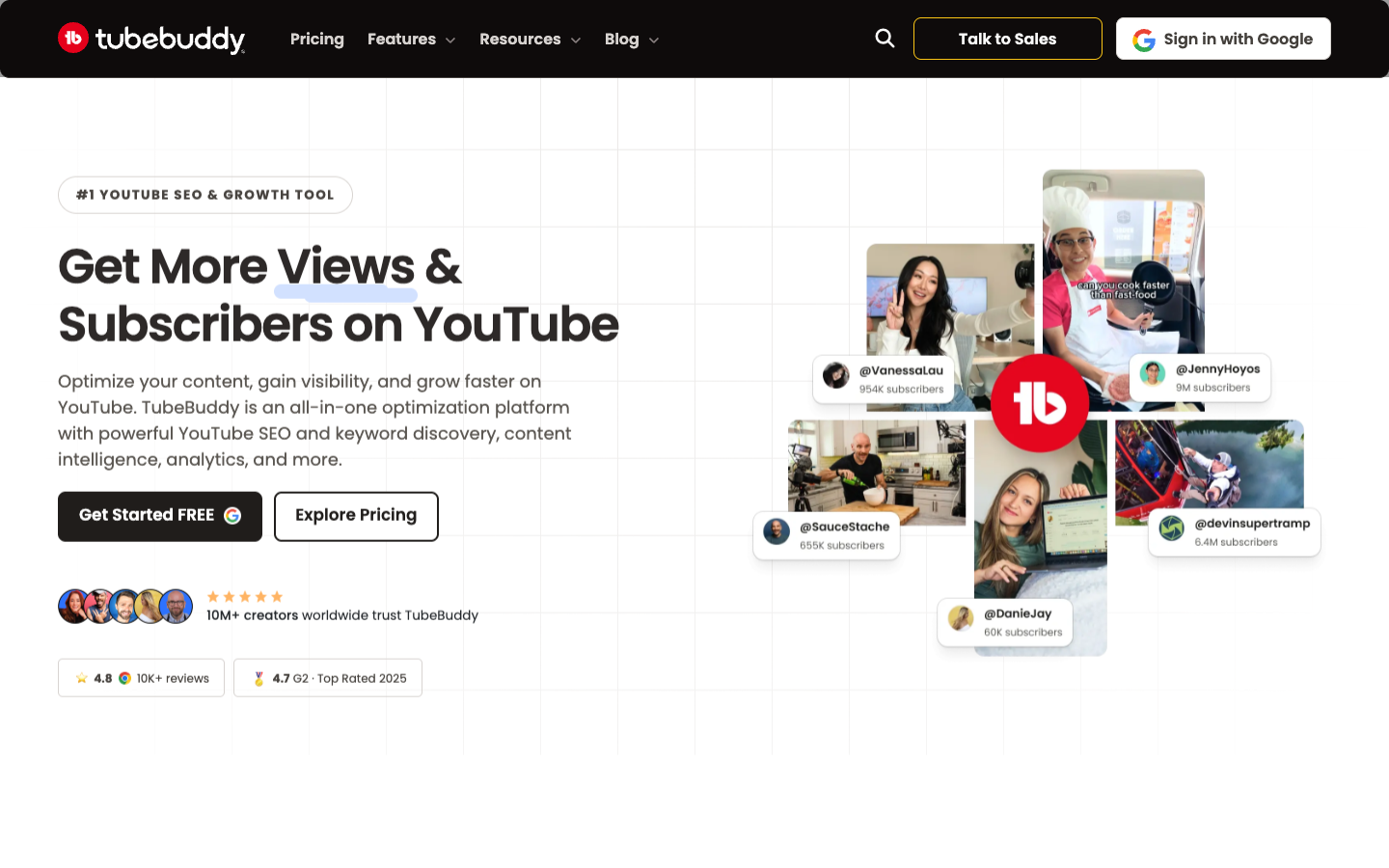
TubeBuddy integrates tools into the YouTube creator workflow. It exposes keyword research, channel and competitor observations, SEO suggestions and publishing utilities. For instance, a tool can label a phrase low-competition while the top results already satisfy the question better than the planned video. It offers an estimate; it cannot promise recommendations or a fixed number of views. Treat keyword indicators as directional research rather than audited search volume. Creators should always reconcile tool suggestions with their own audience analytics, retention curves, click-through rate and viewer feedback.
💰 TubeBuddy Pricing 2026: Conflicting Public Price Pages
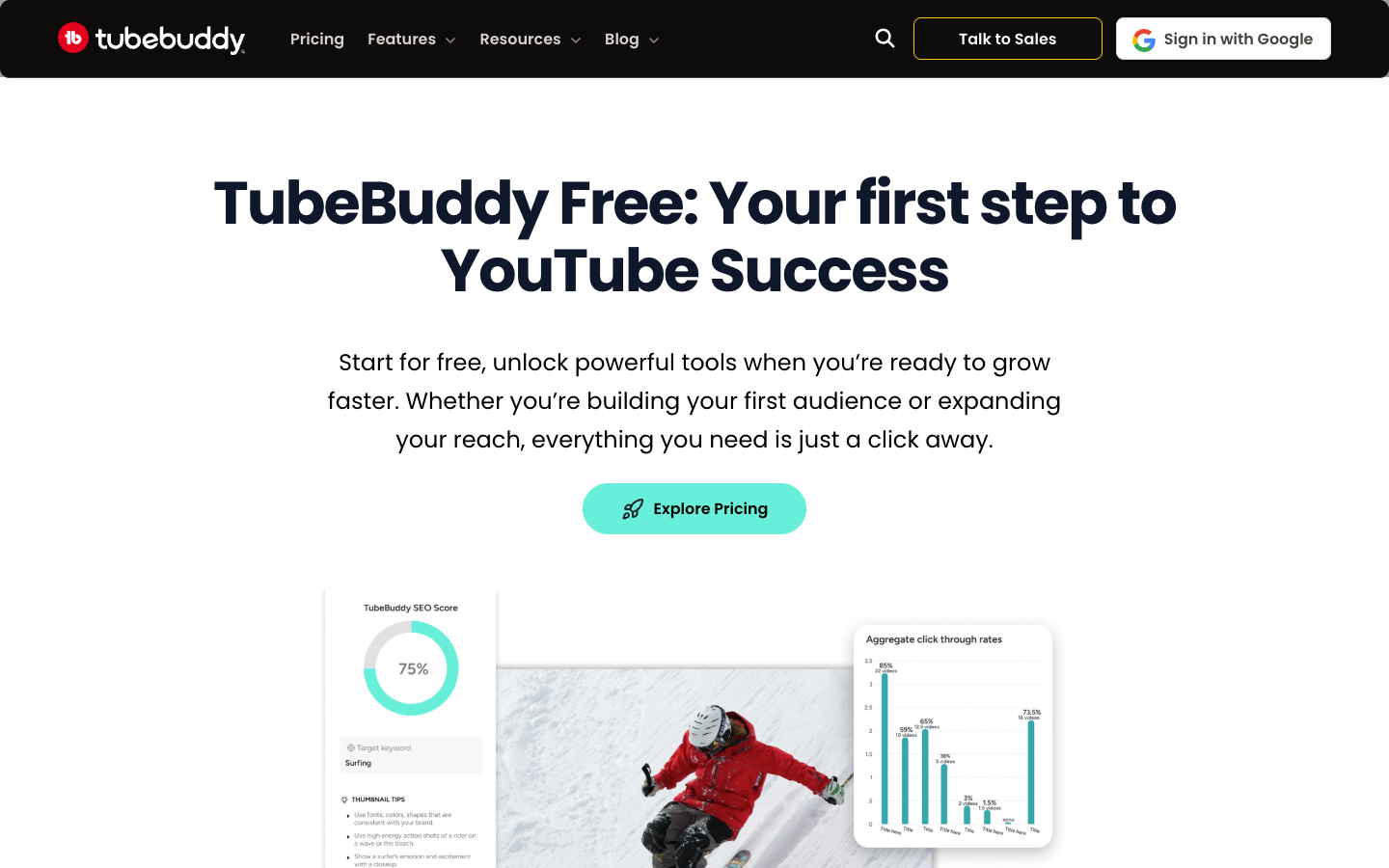
Two TubeBuddy pricing pages currently display different Pro and Legend figures. Instead of averaging them or choosing whichever looks cheapest, record the checkout rate for the actual account, including any eligibility-based promotion. One newer marketing page advertises Pro at $15 monthly or $12 monthly-equivalent annually and Legend at $32.99 monthly or $26.39 annual-equivalent. A separate Free landing page displays different promotional Pro and Legend figures. These should not be blended into a single definitive quote. The checkout, selected account eligibility, currency, discounts and billing period control the actual amount due. Capture a dated checkout quotation before publishing any budget recommendation.
| Option | Publicly shown price | What to check |
|---|---|---|
| Free | Free with limits | Research quotas and account access |
| Pro | Homepage: $15 monthly / $12 annual equivalent | Free landing page displays different offers |
| Legend | Homepage: $32.99 monthly / $26.39 annual equivalent | Confirm testing quotas and permissions |
| Promotions | Variable | Checkout and channel eligibility |
💰 TubeBuddy Free Plan and Upgrade Timing
Start by checking whether the Free plan reveals enough Keyword Explorer and metadata tools to choose next week’s topics. Free access usually has restricted usage or insight depth; it does not promise all paid functions without limits. When a creator repeatedly reaches a quota while doing meaningful research, record the exact blocked action and estimate the monthly value of removing that restriction. Do not upgrade only to make a checklist of green scores look more impressive. A basic search and scheduling workflow can remain entirely within YouTube Studio until the volume justifies a paid add-on.
🎬 TubeBuddy Pro: SEO Studio and Daily Workflow
TubeBuddy Pro bundles practical research and channel-maintenance capabilities such as Keyword Explorer and SEO Studio, alongside creator productivity features. The relevant question is whether these tools reduce work on the videos you actually publish. A channel that produces tutorials can use a target phrase to plan a title, description structure and viewer promise, but should avoid stuffing variants into an unreadable description. If a tool recommends many tags, verify relevance rather than assuming that increasing tag count directly drives discoverability.
🔎 TubeBuddy Legend: Testing, Intelligence and Limits
TubeBuddy Legend is positioned for deeper research and an expanded testing workflow. Marketing materials associate higher tiers with thumbnail and title testing, competitor intelligence and additional analytics. However, feature matrices and landing pages are not perfectly consistent about which specific tests are included in Pro. Open the actual comparison for the account and confirm test eligibility before upgrading. A thumbnail experiment is useful only if the title and opening stay unchanged, both variants receive meaningful exposure and the report distinguishes search impressions from other recommendations. Otherwise a winner badge may reward a change in audience mix rather than the image.
🔎 TubeBuddy Keyword Explorer and Long-Tail Topics
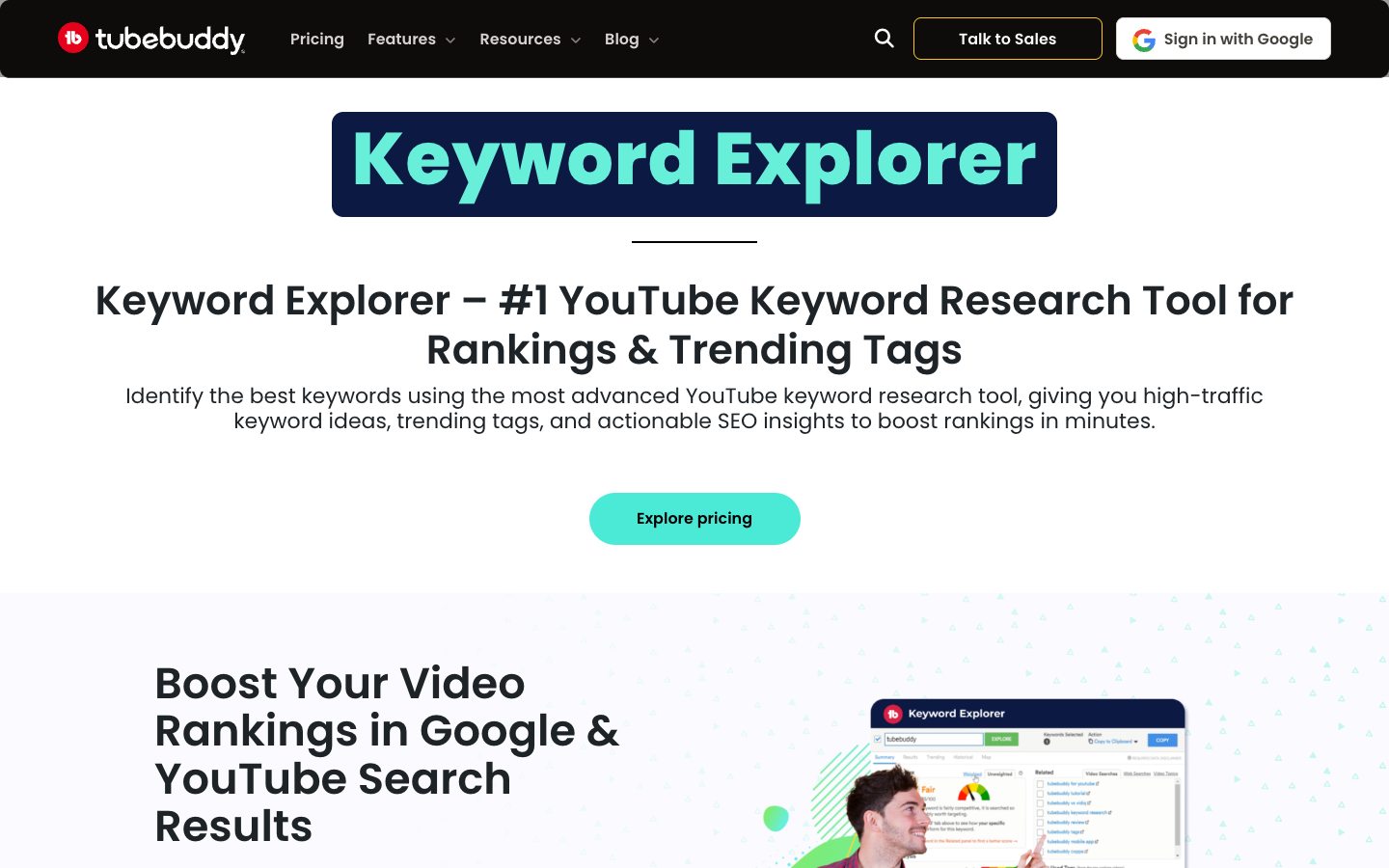
TubeBuddy Keyword Explorer can surface alternative YouTube search phrasing, relative competition and topic-adjacent keywords. A small cooking channel searching for “bread” will usually find a broad term difficult to own; a more specific problem such as “no-knead sandwich loaf without mixer” creates a clearer title and audience expectation. Specificity matters, but the tool’s estimated score is not evidence that a new channel will rank. Validate relevance by manually inspecting the search results and asking whether the planned video offers a noticeably different, useful answer.
TubeBuddy YouTube keyword research should start from questions the channel can demonstrate and then verify them against live search results, not merely accept a numerical score.
🔎 TubeBuddy SEO Studio and Metadata Editing
TubeBuddy SEO Studio can help structure a video’s discoverability metadata around a chosen topic. The most valuable checkpoint is not an automated optimization score but whether the title, thumbnail and opening minute promise the same outcome. A video called “fix washed-out webcam colors” should show a real color correction quickly rather than spend two minutes promoting a product. Metadata that raises clicks while disappointing viewers can harm long-term channel trust. Keep chapter markers, sources and description links useful for humans who want to revisit an answer.
🔎 TubeBuddy Thumbnail Analyzer and A/B Testing
Thumbnail assessment mixes visual clarity, audience fit and empirical testing. Predictive heatmaps can call attention to a face, an object or visual hierarchy, but they do not represent a randomized sample of actual viewers. Native YouTube experimentation and TubeBuddy tests may use different methodologies, eligibility rules and reporting windows. Set a hypothesis in advance, such as whether a clear software interface screenshot beats a decorative stock image. Avoid replacing several variables at once; otherwise attribution becomes impossible.
TubeBuddy thumbnail testing must distinguish predictive design feedback from actual viewer experiments: those are different evidence sources, not interchangeable performance guarantees.
| Capability | Best use | Caution |
|---|---|---|
| Keyword Explorer | Idea and query research | Estimates are not guaranteed search volume |
| SEO Studio | Organize metadata choices | Avoid word stuffing |
| Thumbnail Analyzer | Evaluate design clarity | Predictions are not controlled tests |
| Channel Analytics | Investigate change patterns | Correlate with native Studio |
📈 TubeBuddy Channel Analytics and Competitor Research
Channel insights are useful for diagnosing a change in a particular publishing series, not for copying another creator’s strategy wholesale. A competitor’s most-viewed video may have gained its views years ago, during a different audience and algorithm environment. For each research decision, record publication date, topic, title framing and how the video differs from your own audience need. The strongest evidence remains your retention, traffic sources and returning-viewer patterns. TubeBuddy channel analytics should help ask sharper questions, not create an illusion of causal certainty.
🔎 TubeBuddy Video Optimization and Batch Work
Bulk editing can save time when a channel needs to update a broken link or a recurring disclosure across many descriptions. It also introduces a substantial risk: one incorrect replacement can affect an entire archive. First select two low-stakes videos, perform the update, inspect the resulting metadata in YouTube Studio, and only then widen the operation. Keep a backup of the prior text where possible. For affiliate disclosures, changes should preserve any required clear and conspicuous labeling rather than accidentally hiding it beneath unrelated hashtags.
📈 TubeBuddy Search Ranking: Measurement Caveats
TubeBuddy search ranking indicators should be interpreted within the context of location, personalization, device and the date a ranking is checked. A video that appears high for one researcher can be difficult for a different viewer to find. When a channel tracks target queries, establish a consistent measurement protocol and compare several observations over time, rather than announcing that one search screenshot proves permanent position. For a new video, assess impressions and search-sourced watch time alongside ranking snapshots to understand whether the query matters economically.
🔎 Suggested Shorts and Repurposing Longer Videos
Short-form tools can identify portions of existing videos worth reconsidering as Shorts. A clip that is intelligible only after watching the original ten-minute explanation is a poor candidate, regardless of how strong its isolated visual moments appear. Rewrite the first second to establish context, preserve the original technical meaning and include a clear, useful takeaway. Treat suggested clips as editorial candidates and manually check captions, cuts, permitted music and platform formatting. Short-form reach may attract a different audience from long-form tutorial subscribers.
🔐 Safety, Permissions and Channel Management
A YouTube optimization utility may require access to channel data and publishing-related functions. Before connecting a business channel, review the permissions shown in the Google consent flow, who administers the account and how access can be revoked. TubeBuddy documents channel-manager access for eligible accounts, but this does not remove the need for role separation. External collaborators should not receive more permission than their task requires. Document offboarding and check whether bulk workflows can change published information without a second person approving a sensitive operation.
⚖️ TubeBuddy Pro vs Legend: Decision Matrix
The TubeBuddy Pro vs Legend choice should be tied to the actual frequency of research, testing and team operations. If the creator researches six videos a month, one additional dashboard might not warrant a large price difference. If an editor tests titles on an established channel every week and saves a meaningful amount of labor, the upgrade could be justified. Capture the exact tools accessible on the account, including search limits, testing quotas, manager access and historical analytics. A table of labels alone is insufficient without a workflow estimate.
⚖️ TubeBuddy vs vidIQ and YouTube Studio
A TubeBuddy vs vidIQ comparison is useful only when both products are tested against the same questions and channel permissions. Compare a shortlist of ten real video topics, whether suggested phrases are relevant, speed of inspecting competitor pages and what can be exported for editorial planning. YouTube Studio remains the system of record for audience, retention and channel performance. Neither extension should be treated as a replacement for official analytics. For live production or editing, software such as OBS, VEED and DaVinci Resolve solves different problems altogether.
| Decision factor | Pro | Legend |
|---|---|---|
| Routine metadata work | Strong candidate | Also included |
| High-frequency research | Check limits | Generally deeper access |
| Title and thumbnail testing | Verify availability | Verify entitlement and quotas |
| Manager collaboration | Check account support | Check manager access rules |
💰 Workflow: Planning a Tutorial Without Keyword Stuffing
Consider a creator whose audience repeatedly asks how to record two microphones into OBS. Rather than force a broad keyword into every section, build a clear explanation of audio sources, monitoring and an example of a failed setup. Use TubeBuddy to generate candidate phrasing, then compare search results to avoid duplicating weak tutorials. Make a thumbnail that shows the specific mixer or audio panel. Measure whether viewers reach the troubleshooting section; those signals are more useful than a tool declaring the title optimized.
🔎 Editorial Fit: Strengths, Tradeoffs and Alternatives
TubeBuddy is best viewed as a workflow aid with an ongoing recurring cost, not a purchased growth outcome. Its strength is bringing research and maintenance close to where YouTube creators already work. Its tradeoffs are quota and feature ambiguity between marketing pages, dependence on the YouTube platform and the risk of optimizing metrics that do not match audience value. Buyers should compare native YouTube Studio, vidIQ and their current publishing checklist before paying. A channel may need better production quality or stronger storytelling more urgently than keyword research.
| Software | Primary job | Not a direct replacement for |
|---|---|---|
| TubeBuddy | YouTube research and channel workflow | Video editing |
| YouTube Studio | Native performance and publishing | Independent research estimates |
| OBS Studio | Streaming and capture | Metadata research |
| VEED / DaVinci Resolve | Edit recorded content | YouTube SEO extension |
🔎 Real-World Use Cases and Decision Tests
Eight operational situations and eight additional channel scenarios show why optimization recommendations need editorial judgment. None is presented as a controlled TubeBuddy experiment carried out by DigiOffly. Readers can use the cases as a research checklist: record the proposed keyword, the intended audience, who can edit the YouTube channel, what would count as success and what alternative explanation could produce the same observed traffic change.
1. A two-person channel preparing ten tutorials
A presenter proposes topics, an editor handles metadata and a designer prepares thumbnails. Allocate ownership so a keyword suggestion is evaluated for actual demand, the hook demonstrates the promised result and the designer sees the final title before exporting artwork. If the plan permits manager access, test access with a non-owner identity. The outcome is a repeatable handoff, not a claim that a purchased tool created more views.
Make the editorial board agree on one definition of success: a video published on time with a comprehensible answer and an accurate description. Build a shared worksheet for the suggested query, target audience, opening promise, thumbnail direction, review owner and post-publication decision. Keep account permissions minimal and leave room for a producer to reject a keyword even if the score is favorable. That manual override is a feature of responsible research rather than a failure of automation.
2. A sudden decline in YouTube search traffic
Before rewriting titles, inspect whether the decline is limited to one topic, a geography or all uploads. A TubeBuddy rank snapshot may provide a clue, but YouTube Analytics can show whether impressions fell or viewers simply clicked less often. If traffic moved after a platform change, changing the title of every old video may destroy evidence. Update one coherent group, compare the next complete reporting window and document confounding factors.
Separate a genuine demand change from measurement noise by comparing complete calendar periods, similar videos and comparable traffic sources. New recommendations from a search utility should be dated; a change in a tracked rank may reflect regional search personalization rather than a loss of general relevance. Export the native analytics first, then change a small batch of metadata. Record the dates of edits so the team can identify unintended effects without reconstructing its actions weeks later.
3. A product review that requires disclosure
Affiliate videos need clear and accurate disclosures regardless of how their descriptions are optimized. A bulk-edit tool is convenient for adding an updated note, but it can also duplicate disclosures, remove important links or replace unrelated terminology. Back up the existing text and inspect examples in both desktop and mobile descriptions. Then validate the visible landing page rather than trusting an automation success message.
Review past descriptions for old prices, affiliate destinations and expired coupons before using a batch-edit tool. A technically successful bulk action can still be editorially wrong. Owners should approve the disclosure wording and be able to identify the exact videos touched by each update. Treat external integrations like any other account with publication privileges: limit who can run them and establish a procedure to revoke access when a collaborator leaves.
4. A new channel with fewer than one thousand subscribers
A new creator is unlikely to know which topics truly attract returning viewers. Start with the free plan, record five audience questions, produce two useful videos and evaluate retention and comments. The vendor lists channel-size-based promotional eligibility on one pricing page, but any discount must be verified at checkout. A cheaper paid plan is not automatically better than learning which problems the audience wants solved.
Focus the first months on repeatable audience research. A prospective creator could compile twenty real viewer questions, select a handful that can be answered on camera and learn which explanation style works. TubeBuddy keyword research may help order these opportunities, but it cannot fix poor sound or a lack of demonstrated expertise. Spend a little time learning native audience analytics before spending money to optimize metrics that have not yet stabilized.
5. A creator compares two thumbnail directions
One concept centers an error message; another shows a person reacting to it. The test should hold the title and opening unchanged if the goal is to isolate thumbnail impact. Track a sufficiently meaningful impression window and segment results by traffic source if possible. A heatmap predicting visual attention is a design aid, not a winner certificate. Ask whether the thumbnail accurately represents the video.
Document the test objective before opening any thumbnail prediction tool. In particular, changing the title, thumbnail and first fifteen seconds simultaneously prevents a clear attribution of a performance change. Compare exposure windows and relevant traffic sources. If one thumbnail wins but creates the wrong expectation, retain the more accurate design. Long-term trust and watch behavior are more valuable than a dramatic temporary lift in curiosity clicks.
6. Updating fifty old tutorial descriptions
Old links, version numbers and timestamps become stale. Build an inventory of known broken resources before applying a bulk replacement. Perform a small test batch, review a random sample and ensure the replacement does not create incorrect code examples. A searchable export or revision log matters more than finishing the operation in one click.
Create an audit trail for every mass description change: the initiating editor, query matched, expected new text and a before-and-after sample. Review a random selection of videos across the channel, including older material with outdated interface screenshots. A tutorial recorded in an older software version may need a visible warning, not merely a new keyword. A successful maintenance pass should make future viewers less confused, not merely increase metadata uniformity.
7. A livestream team that also publishes how-to videos
TubeBuddy supports post-publication search research, while Ecamm or OBS handles the actual live production. A sensible software stack assigns tools to stages: recording and live distribution first, editing second, audience-specific metadata third. Paying for two SEO extensions rarely fixes distorted microphone audio, inaccessible captions or unreliable network upload.
Assign each software category a clear responsibility. TubeBuddy supports discovery and optimization; Ecamm or OBS produces the stream; a dedicated video editor prepares the recording. Before buying subscriptions, inspect which tasks already have an adequate solution. A producer should not budget two separate search tools just because both dashboards look sophisticated. Compare total operator time, required access and the number of paid platforms in the complete workflow.
8. Comparing a keyword with a misleading volume score
A high-scoring query may contain a product name the channel cannot accurately cover. Check whether top results are official documentation, recent demos or casual commentary. If the planned tutorial cannot answer the user’s question with firsthand evidence, reject the keyword or narrow the claim. The right query is one for which the video can provide genuine value.
When a query is attractive but outside the creator’s demonstrated knowledge, redesign the piece as a transparent research explanation or invite a qualified guest. Do not present an unverified workaround as a tutorial simply because the keyword score is high. The cost of correcting bad technical advice can exceed the value of the traffic it initially earns. Viewer intent should determine whether a topic deserves production at all.
9. A multilingual education channel
A teacher publishes lessons in English and Spanish. A promising English keyword may not have an equivalent intent in another language, even if a translation tool produces grammatically correct words. Inspect search results in the target language and review actual comments before translating metadata. Track which version viewers use and whether subtitles convey technical terminology accurately. Keep localized descriptions useful rather than creating mechanically duplicated blocks.
10. An archive contains outdated browser tutorials
The creator has sixty videos that reference menu names changed in recent updates. Research which tutorials still earn search impressions and which have become misleading. Add a visible version note, link to a current walkthrough and update high-traffic descriptions cautiously. A batch tool can help with repetitive work, but a human must decide when a whole video should be superseded.
11. A gaming channel chases seasonal search trends
A trend chart shows a sudden rise in interest, but recording and editing take several days. Check whether the proposed content will still be relevant at publication time. Instead of copying a competing creator’s title, identify a useful perspective such as performance settings for a particular console. TubeBuddy can expose keywords, while actual production and originality still require a plan.
12. A channel wants to evaluate competitor upload patterns
Competitors may post more often because their production process or audience differs. Record publication cadence, video format and apparent content category, but do not infer private watch-time metrics from a public page. Compare your own returning-viewer response to several controlled schedule changes. A smaller number of high-quality tutorials could outperform daily uploads that answer no concrete question.
13. A small agency manages three authorized channels
Separate channel ownership, research access and publishing authority. One employee may need to compare SEO topics but should not automatically gain permission to change sponsor disclosures across all clients. Confirm channel-manager support in the selected plan and maintain a permissions register. Test access revocation as part of offboarding; do not rely on a shared password.
14. A Shorts-heavy creator evaluates an SEO subscription
If nearly all views arrive from short-form recommendation feeds rather than search, repeated keyword optimization may have limited value. Compare actual traffic-source reports with the proposed tool usage. The creator might benefit more from improving the opening moment and caption accuracy than studying a long list of search ranking positions.
15. A product reviewer replaces an unclear thumbnail
The thumbnail includes several tiny screenshots, three different product logos and a line of unreadable text. Redesign it around one clear interface and a meaningful claim. Use a thumbnail analysis tool for a second perspective, then test under the platform’s actual thumbnail sizes. Ask whether the resulting image is still honest when seen without the title.
16. A creator prepares a sponsorship case study
Sponsors may ask for reach estimates that a ranking tool cannot substantiate. Report verified channel analytics using clearly dated windows and explain differences between impressions, views and viewers. Avoid presenting keyword search estimates as guaranteed exposure. A creator who can accurately explain audience behavior is a better partner than one who offers an inflated projected rank.
🔎 Research Methodology and Limitations
This assessment uses accessible TubeBuddy marketing pages, published feature descriptions and support documentation checked in October 2026. It distinguishes product statements from independent performance evidence. No authenticated channel test, paid plan transaction or controlled thumbnail experiment was conducted for this article. Pricing, promotions and account eligibility can change without notice. A good buying decision requires verification of the checkout amount, allowed channel management permissions and feature access within the actual account. The linked vendor sources are included so a reader can check the original statements.
📚 Official Sources and Further Reading
The core source for current feature descriptions is TubeBuddy’s official site; support pages document channel-manager permissions and eligibility. Readers should use the checkout and an active account feature comparison for final tier decisions, rather than treating this review as an offer. As a baseline, compare YouTube Studio’s official analytic definitions for search impressions, click-through rate and audience retention. Screenshots below reflect publicly visible vendor information only.
These TubeBuddy references were examined in October 2026: the current marketing homepage, the separate Free and Pro descriptions, Keyword Explorer documentation and account-management guidance. Because public landing pages disagree about some prices and entitlements, the account checkout and live feature matrix take priority. Public screenshots establish what a provider advertises, not an independent measurement of YouTube ranking effectiveness.
- TubeBuddy official source 1
- TubeBuddy official source 2
- TubeBuddy official source 3
- TubeBuddy official source 4
- TubeBuddy official source 5

Frequently Asked Questions
Is TubeBuddy free to use?
TubeBuddy advertises Free access with limited research and productivity functionality. Feature allowances vary, so check the current plan comparison while signed into the channel. Free access is useful for exploring the workflow but should not be interpreted as unlimited use of testing or analytics tools.
How much does TubeBuddy cost in 2026?
Official TubeBuddy landing pages currently display conflicting Pro and Legend prices. The newer marketing page lists $15 Pro and $32.99 Legend month-to-month, while a separate Free page shows different promotional figures. Verify the actual checkout amount, billing term and channel eligibility.
What is the difference between TubeBuddy Pro and Legend?
Pro emphasizes recurring SEO and workflow support; Legend is marketed for deeper research and more testing-related capabilities. Specific A/B testing and quota entitlements should be confirmed in the active plan matrix, because public pages can present inconsistent feature labels.
Does TubeBuddy guarantee YouTube rankings?
No. Keyword and rank tools provide directional information, but they cannot guarantee a placement, view total or algorithmic recommendation. Ranking varies by context, while audience satisfaction and video relevance remain critical.
How does TubeBuddy Keyword Explorer work?
It suggests search phrases, relative competition indicators and topic variations within a YouTube research workflow. Treat its data as estimates and corroborate relevant results manually. A score alone is not a publishing strategy.
Can TubeBuddy run thumbnail A/B tests?
TubeBuddy markets testing workflows, especially around higher-tier offerings, but eligibility and methodology vary across plan descriptions. Check what testing is available in the selected account and do not mistake predictive thumbnail analysis for a randomized live test.
Is TubeBuddy useful for a small channel?
Potentially, if the creator needs repeated keyword investigation or metadata assistance. A small channel without a consistent topic or posting cadence may gain more from improving scripts, sound and thumbnails first. Begin with Free.
Is TubeBuddy better than vidIQ?
Neither tool is universally better. Compare the relevance of suggested keywords, specific workflow limits, interface friction and price on the same set of videos. Native YouTube Studio remains a core source for audience measurements.
Does TubeBuddy edit videos?
TubeBuddy mainly supports research, metadata, productivity and channel optimization. For timeline editing or live capture, a dedicated editor or streaming program is still necessary.
Can teams use TubeBuddy together?
The vendor documents channel-manager permission arrangements on eligible accounts. Owners should verify the purchased tier, Google access permissions and offboarding responsibilities before granting a colleague access.
Should I upgrade TubeBuddy immediately?
Upgrade only after documenting which blocked feature repeatedly delays a real workflow. Confirm the checkout cost, permitted channel use and the intended measurement plan. A feature list cannot establish return on investment by itself.
EXPLORE NEXT ON DIGIOFFLY
🔍 Explore More on DigiOffly
Compare production, editing, distribution and creator software based on actual workflow needs, not marketing promises.
Category and editorial
- Creator & Streaming — Compare workflows and practical limits
- Software Directory — Compare workflows and practical limits
- Ready-Made Stacks — Compare workflows and practical limits
Selection tools
- Compare Software — Compare workflows and practical limits
- AI Software Finder — Compare workflows and practical limits
- Software Cost Calculator — Compare workflows and practical limits
Related reviews
- OBS Studio — Compare workflows and practical limits
- Streamlabs — Compare workflows and practical limits
- VEED — Compare workflows and practical limits
- DaVinci Resolve — Compare workflows and practical limits
- Ecamm Live — Mac-focused live video, interviews, scenes and isolated recording
Prices and feature access can change. Check current vendor terms before buying.